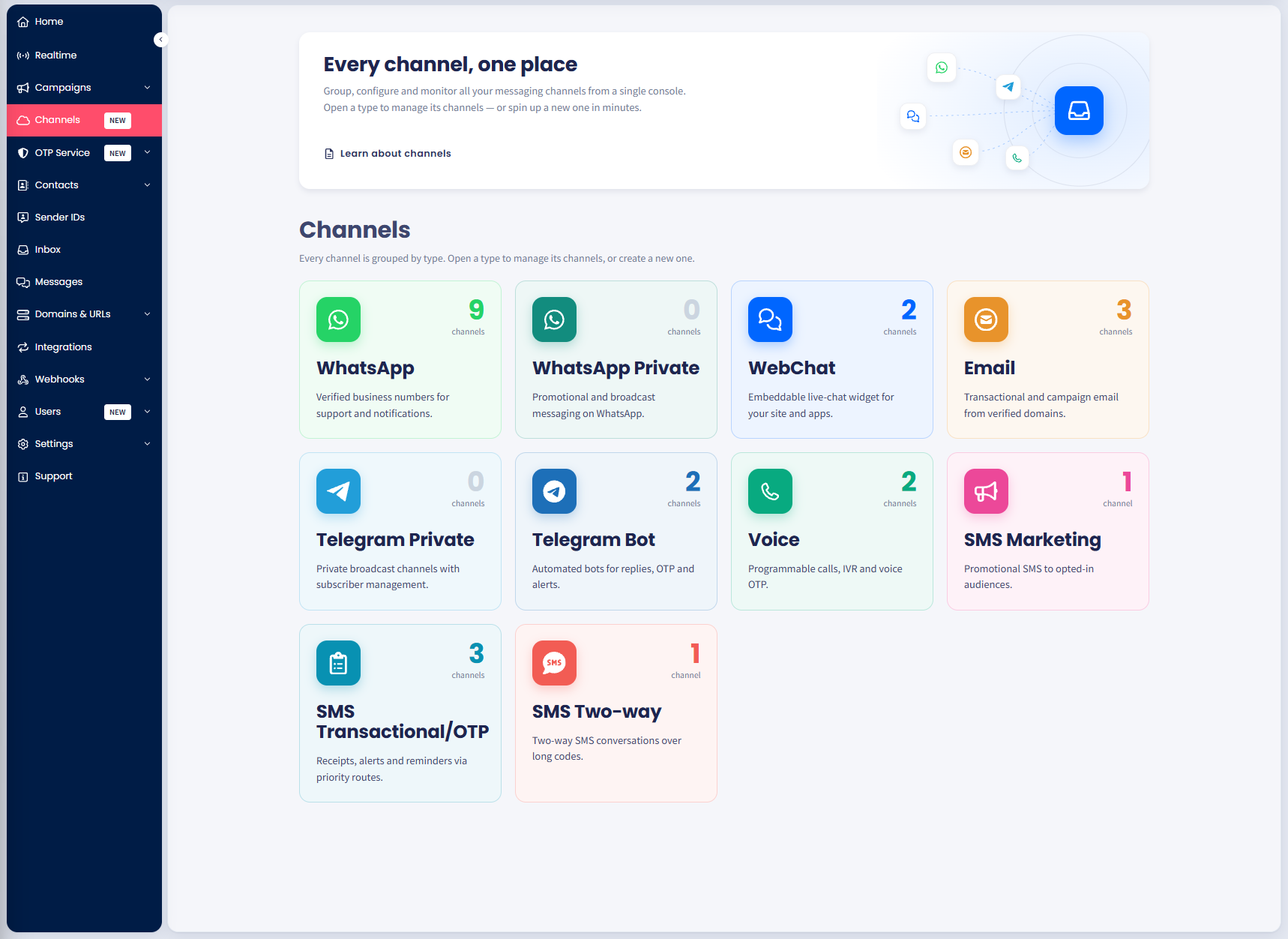
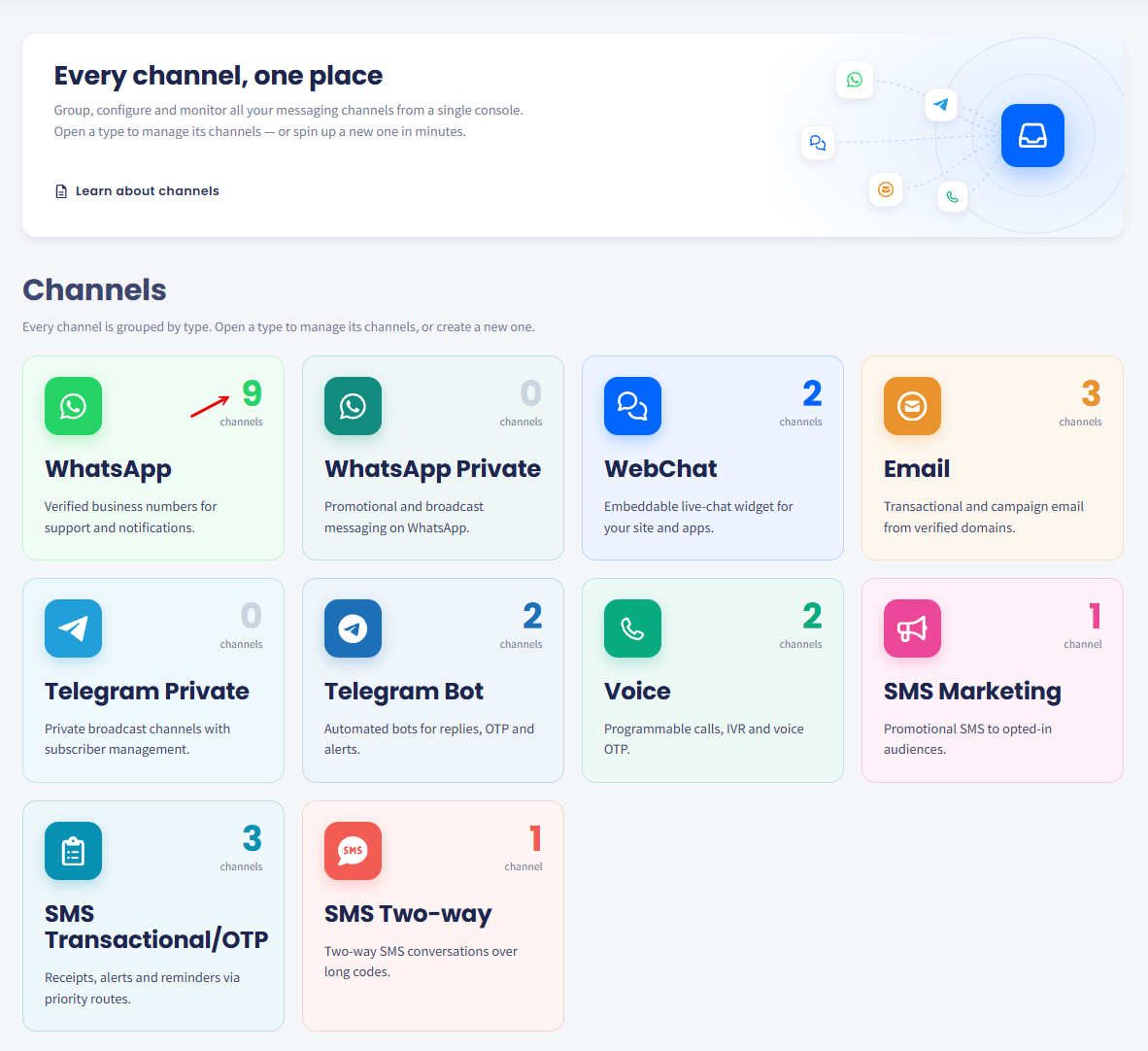
See the TextPeak channels, what traffic each one carries, and which setup guide to open for the type you need.
Channels is the TextPeak page where every messaging route lives, grouped under the type it belongs to. This page lists the types on offer and links to the setup guide for each one.
📘
NOTE
Channels is the new name for Streams API, introduced in TextPeak v1.1.2. The routes themselves have not changed: your existing streams appear here as channels, and every token, template, and webhook continues to work. Only the page and its navigation have been rebuilt.
What changed
Before
Now
Streams API in the main menu, with every route in one flat list.
Channels in the main menu, with routes grouped under ten types.
One-time passwords were a stream type.
One-time passwords are configurations under OTP Service, reaching SMS, WhatsApp, and Voice from one endpoint.
WhatsApp templates lived in the stream sidebar.
WhatsApp templates live on the channel, under Channel message content.
A WhatsApp route asked for an auth token and a business ID.
A WhatsApp channel signs in through Meta with Connect WhatsApp.
Nothing needs migrating. Existing tokens, templates, and webhooks keep working exactly as they did.
One-time passwords are not a channel type. To send them, create a configuration under OTP Service, which reaches SMS, WhatsApp, and Voice from one endpoint. For the steps, see Creating OTP Configurations.