

Balance Graph
View daily changes in CommPeak account balance: see graph showing balance history, and hover over specific dates to view exact balance amount.
In the Billing section of the My CommPeak Dashboard, go to the Balance History tab to see a graph showing daily changes in your balance.
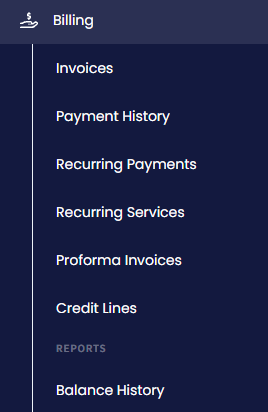
Balance in the main menu
Here, you can switch between the Day, Week, and Month views or filter the records by date.
To view the precise balance, hover your mouse over the required date.
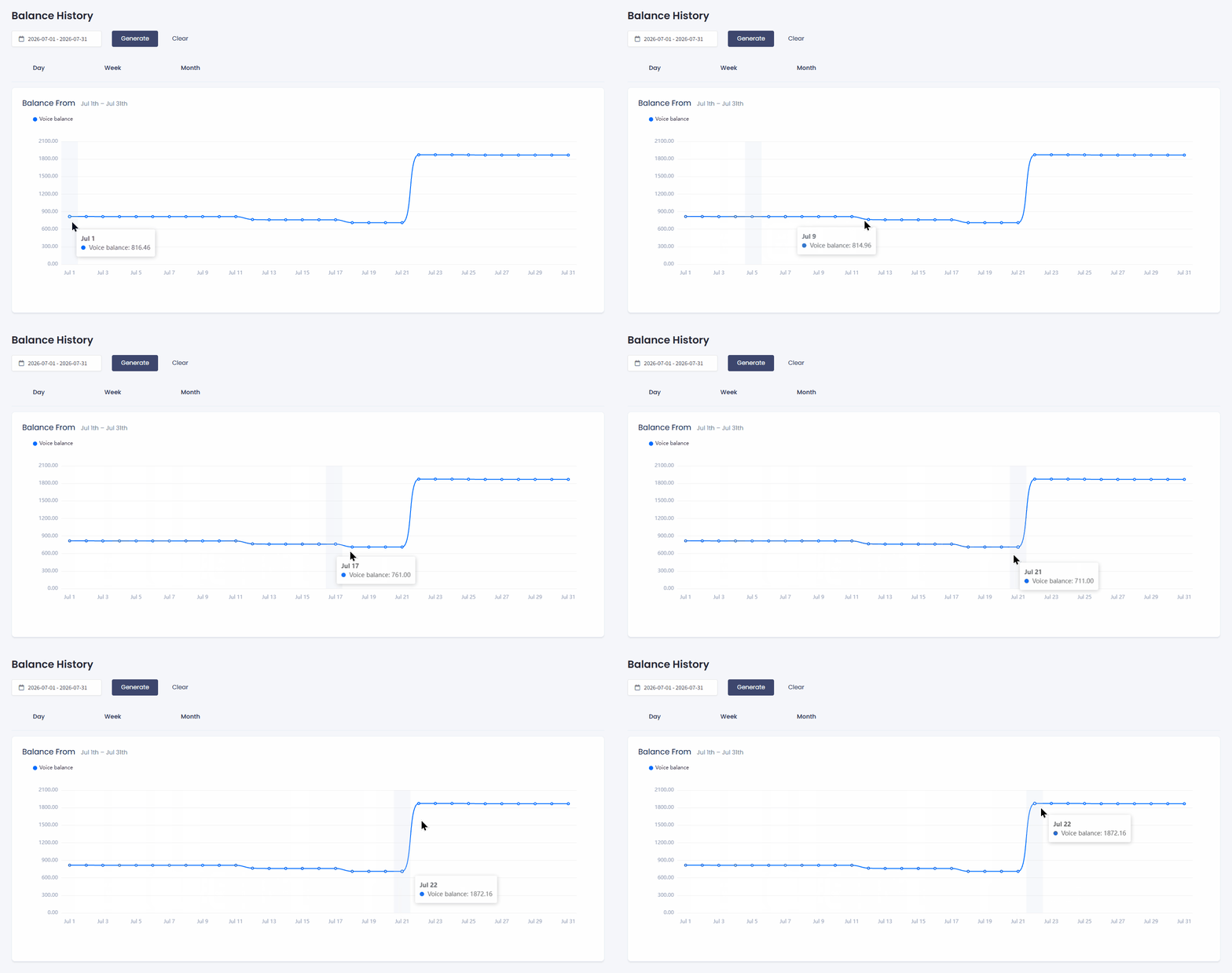
Balance graph
You can apply a preset or select a date range in the interactive calendar.
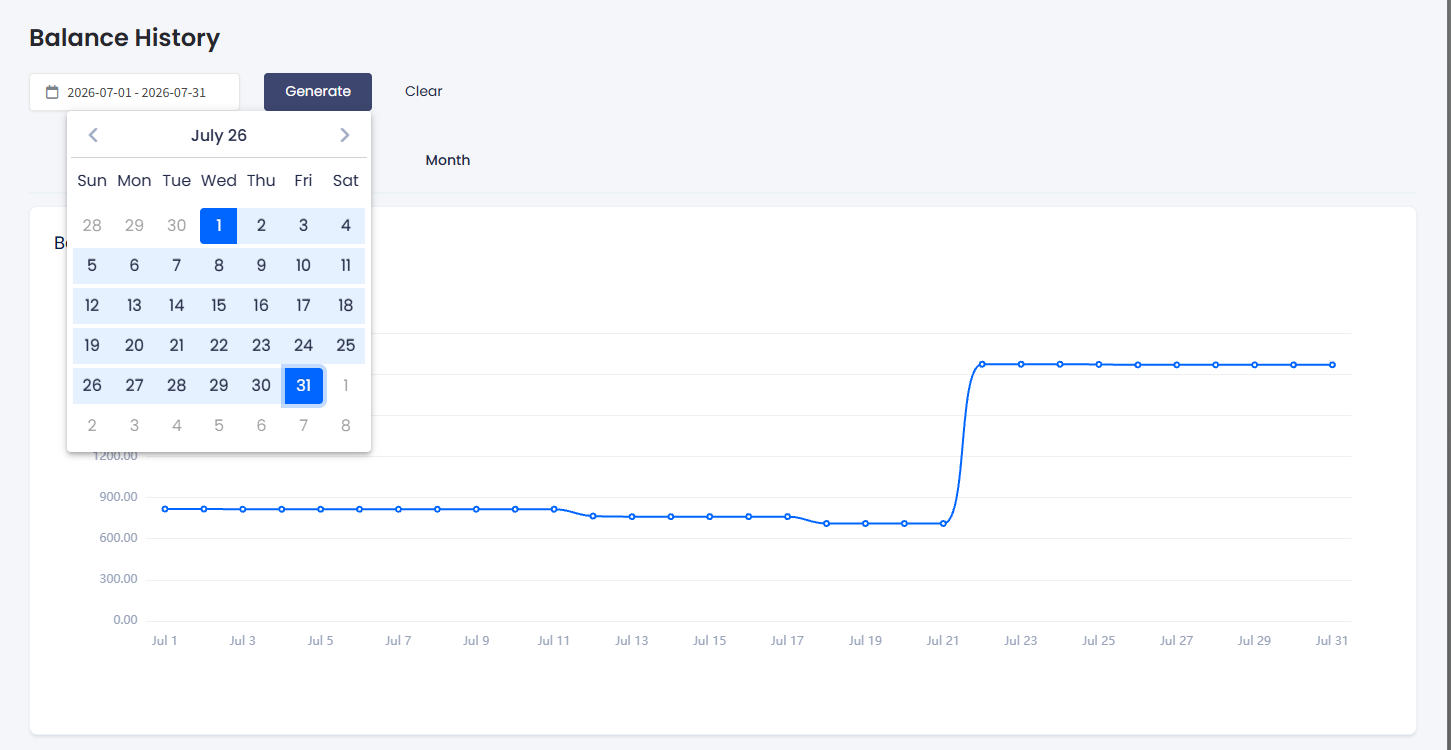
Balance graph filtering
Updated 5 days ago
Did this page help you?