

Invoices
View issued CommPeak invoices by category (VoIP termination, DID numbers, etc.): see each invoice's date, amount, period, and status, and download as a PDF file.
You can view the list of issued invoices by expanding Billing in the left pane of My CommPeak Dashboard and selecting Invoices.
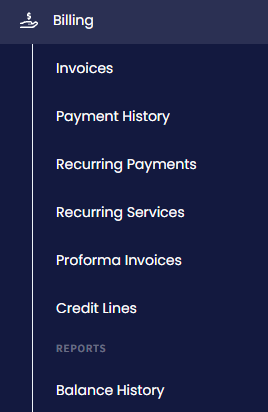
Billing menu tabs
Issued invoices can include:
- charges for VoIP termination
- purchase and renewal of DID numbers
- subscription services
- other payments.
For each invoice, you can view these details:
- number
- date
- amount
- period
- status.
Click Download to view an invoice and save it as a .pdf file.
Click Export to export all invoice records.
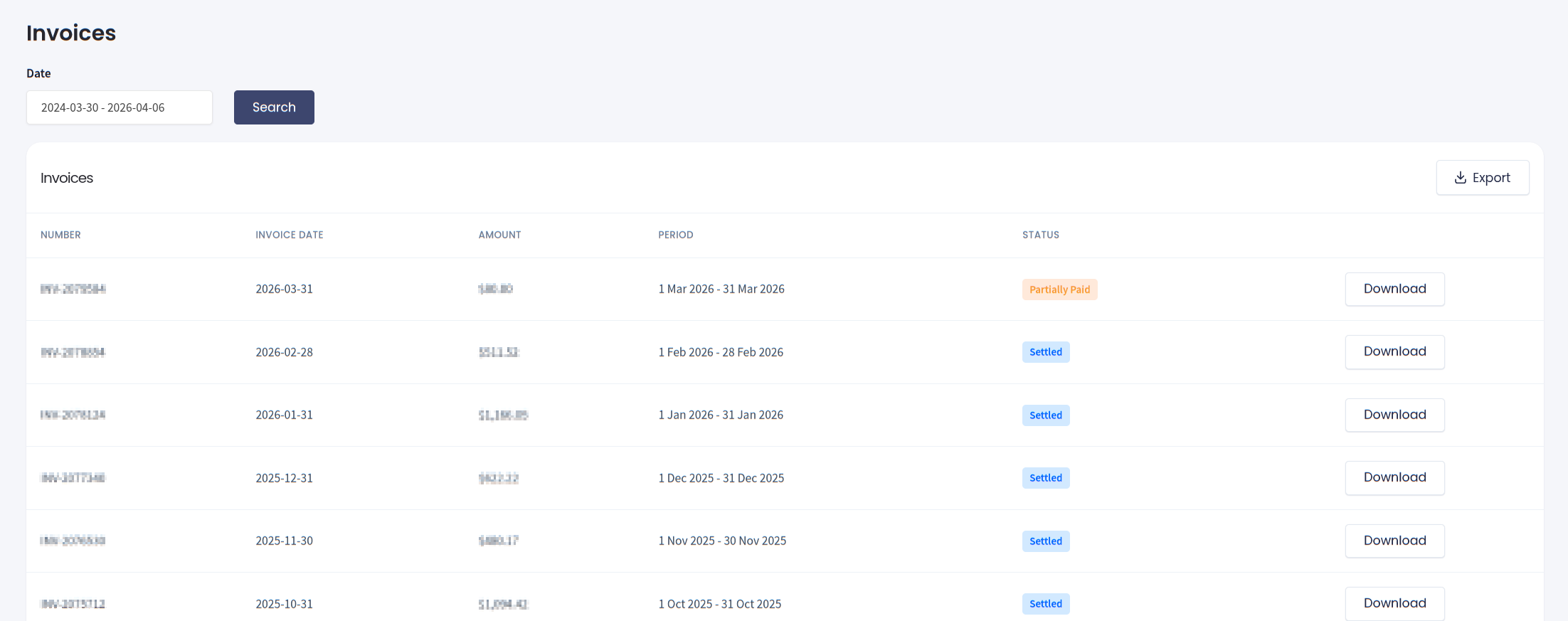
Invoices list
Updated 6 days ago
Did this page help you?