Shortly after your phone number is verified, your balance appears in your CommPeak account at the top right of the Home > Dashboard tab.
Home tab with billing information
You can use your free trial to test the services and send your first message using any messaging option.
TextPeak
CommPeak TextPeak is a messaging platform for creating SMS, WhatsApp, Telegram, Email, Voice and WebChat channels and/or defining different sending campaigns.
You can access TextPeak, a messaging platform that offers a wide range of customization options directly from the Portal.
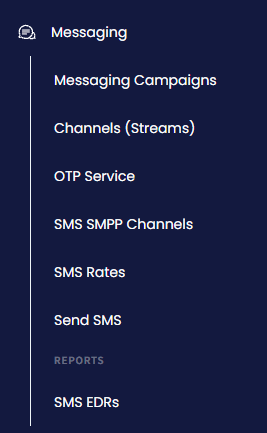
Select Messaging Campaigns and, in the top right, click Open in SMS Platform.
Open in SMS Platform button
Alternatively, select Channels (Streams). On the page that opens, click Manage all channels in SMS Platform.
Manage all channels in SMS Platform button
📘
NOTE
If you have been using the previous version of the SMS service, you need first to activate the platform. After this, Streams API will also become available.
Activate SMS Platform button
In the Creating Campaigns article, you will learn what to do to launch your first campaign.
Streams API
Use our Streams API to send single and multiple SMS messages from any platform and monitor their status.
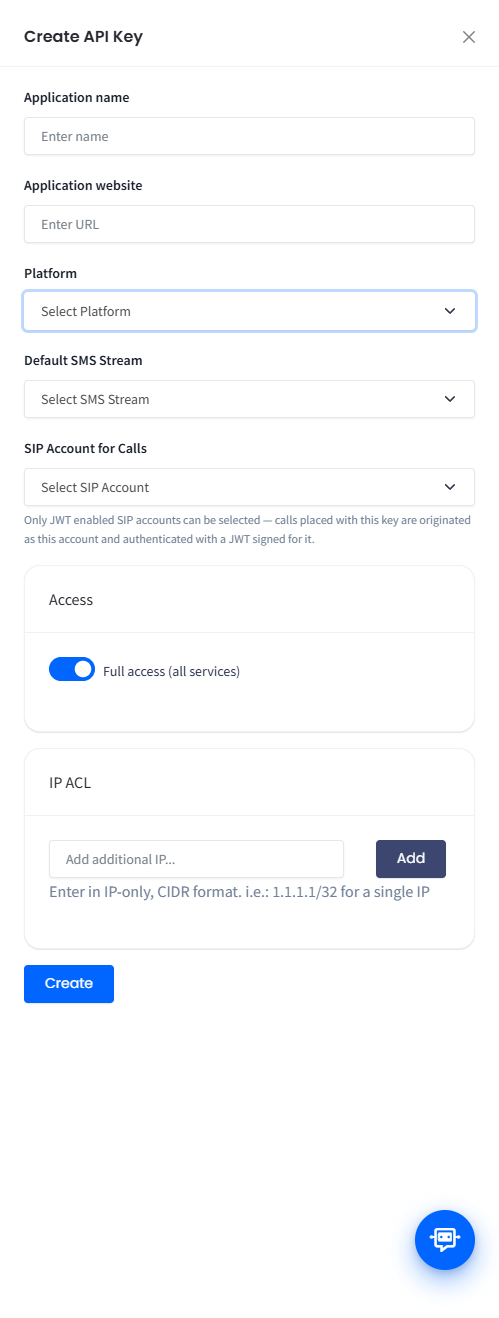
On the Messaging › Channels (Streams) page, you can use available API tokens to authenticate your API requests or create new tokens to send SMS messages.