Reset a forgotten CommPeak password or recover access to your account if you can't log in.
If you've forgotten your CommPeak password or can't sign in for any other reason, request a password
recovery link from the login screen.
📘
NOTE
Resetting your password does not change your two-factor authentication (2FA) settings. After you set a new password, you still complete login verification with a code. See Logging In.
Requesting a recovery link
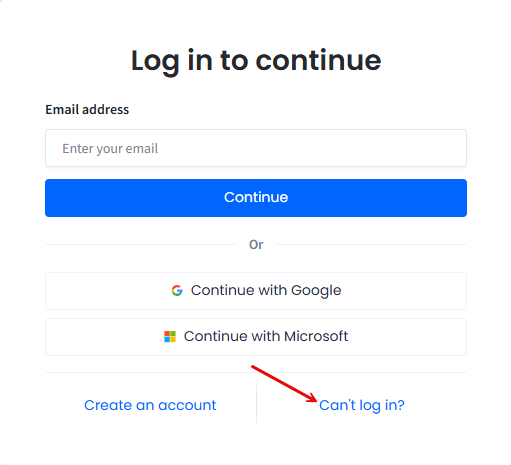
On the CommPeak Portal login screen, click Can't log in?
Log in to continue screen
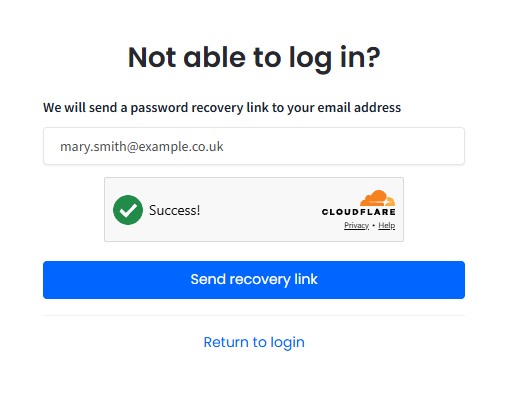
2. On the Not able to log in? screen, enter the email address associated with your CommPeak account and complete the Cloudflare human verification.
Not able to log in? screen
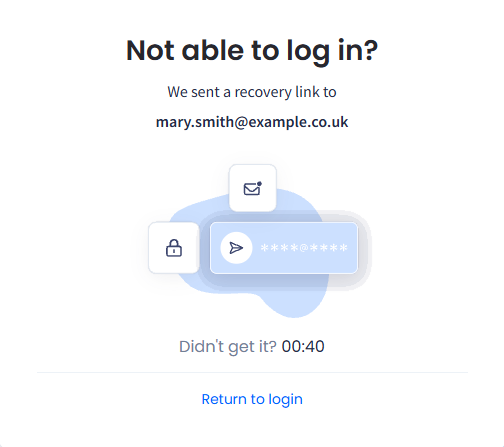
3. Click Send recovery link. The portal confirms that the link is sent.
Recovery link sent message
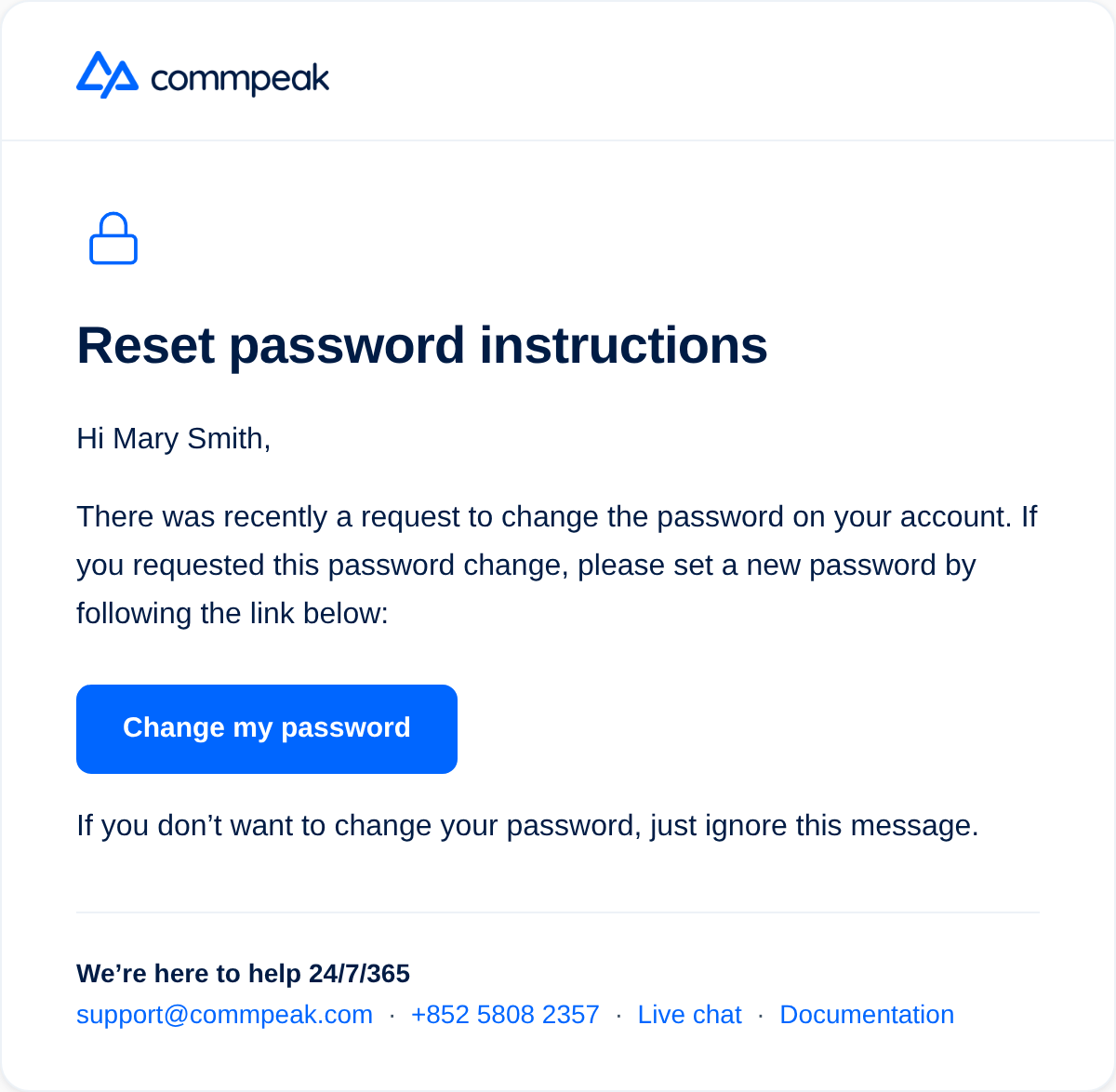
4. Check your inbox for an email from CommPeak and click Change my password and follow the link to set a new password.
Password reset instructions
📘
NOTE
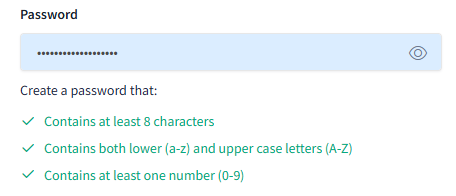
Your new password must contain at least 8 characters, both upper and lower case letters, and at least one number.
New password creation tips
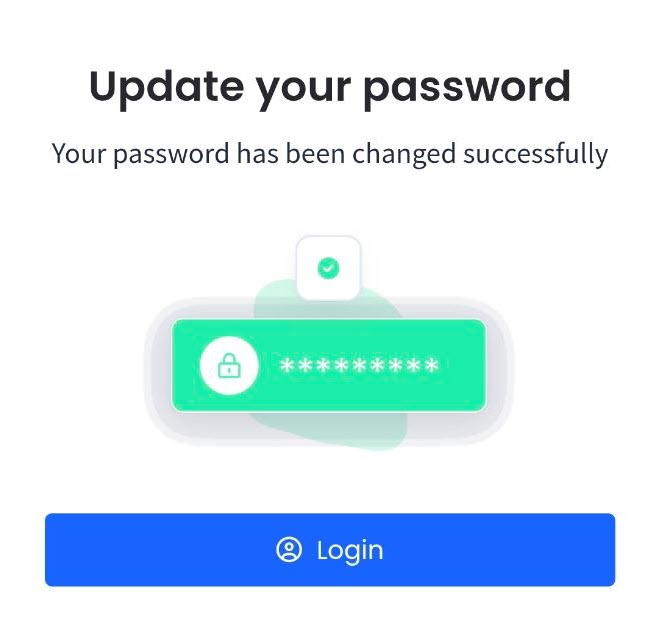
After the password is updated, the portal confirms the change and you can log in with your new
password.
Password change confirmation
Log in with your new password, then complete login verification with a six-digit code from your email or your authenticator app. See Logging In.
You can also change your password from Account Settings > Profile > Security settings. See Your Profile.
If you don't receive the recovery email
The recovery link goes to the email address on your account, which is the same address that receives
your login verification codes. Check your spam folder first.
If you cannot reach that mailbox at all, a recovery link will not help. Start account recovery from the Login verification screen and confirm two details about your account instead. See Logging In.
If you use an authenticator app, your codes come from your phone rather than your inbox, so you can complete verification even while the mailbox is unreachable.