

Built-In CommPeak Softphone
Learn how to get started with the built-in CommPeak Softphone and its features across different platforms.
The CommPeak Softphone is the default WebRTC client integrated into PBX Stats, CommPeak Dialer, and Cloud PBX platforms.
NOTEThe built-in Softphone application includes all the features and benefits of the standalone CommPeak Softphone, except for multiple SIP Account support and mini mode functionality.
PBX Stats
In PBX Stats, the CommPeak Softphone is available within the agent workspace when agents sign in with the Use our WebRTC as your device option selected.
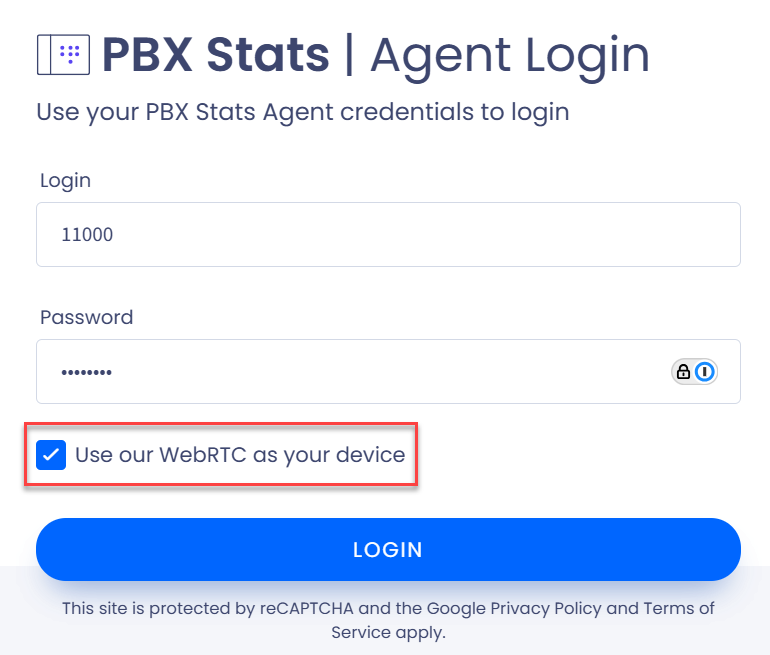
Use our WebRTC as your device option selected
The softphone automatically launches in a pop-up window.
Dialer / Cloud PBX
In Dialer or Cloud PBX, the Built-in CommPeak Softphone automatically launches in a pop-up window when the Use WebRTC option is selected in the SIP Settings for the user.
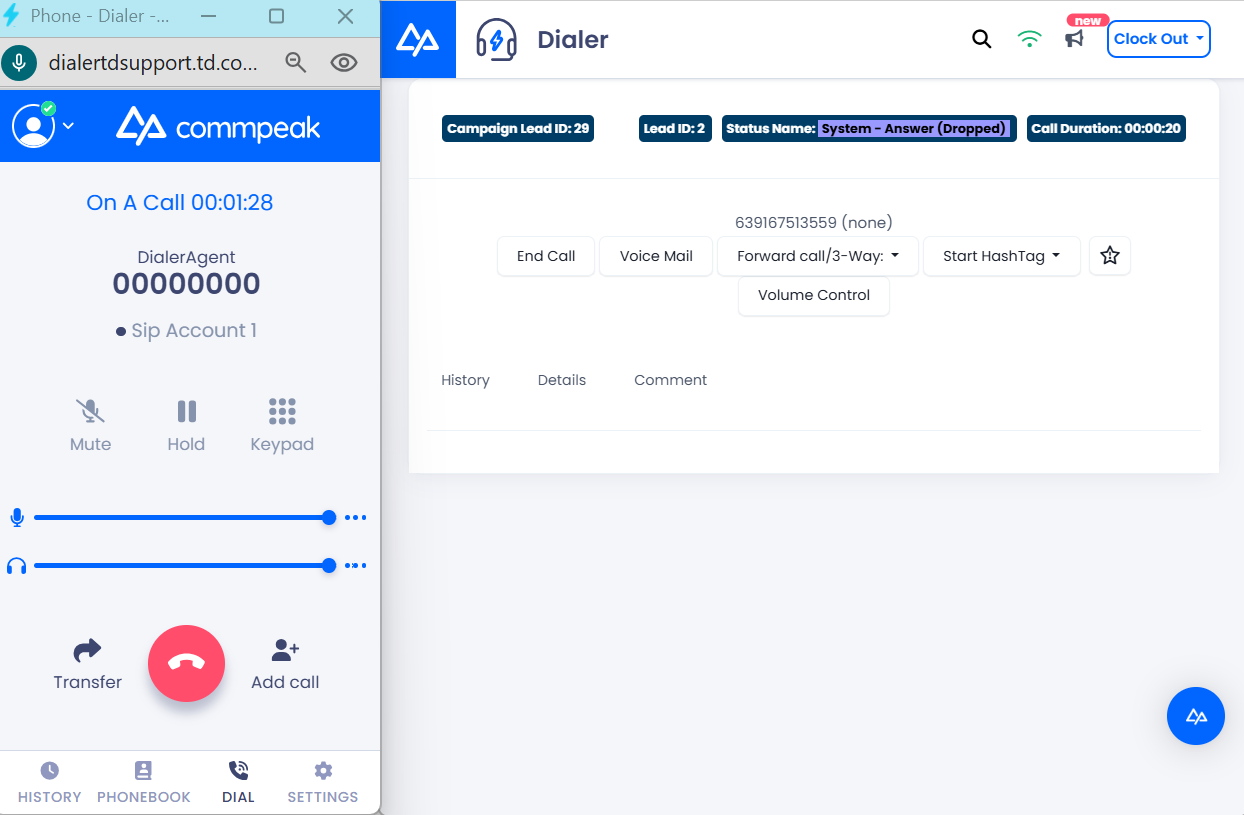
Softphone launched automatically with the Use WebRTC option selected
In CommPeak Dialer, if you enable new Agent Workspace, you start receiving calls from your phone client as soon as you clock in.
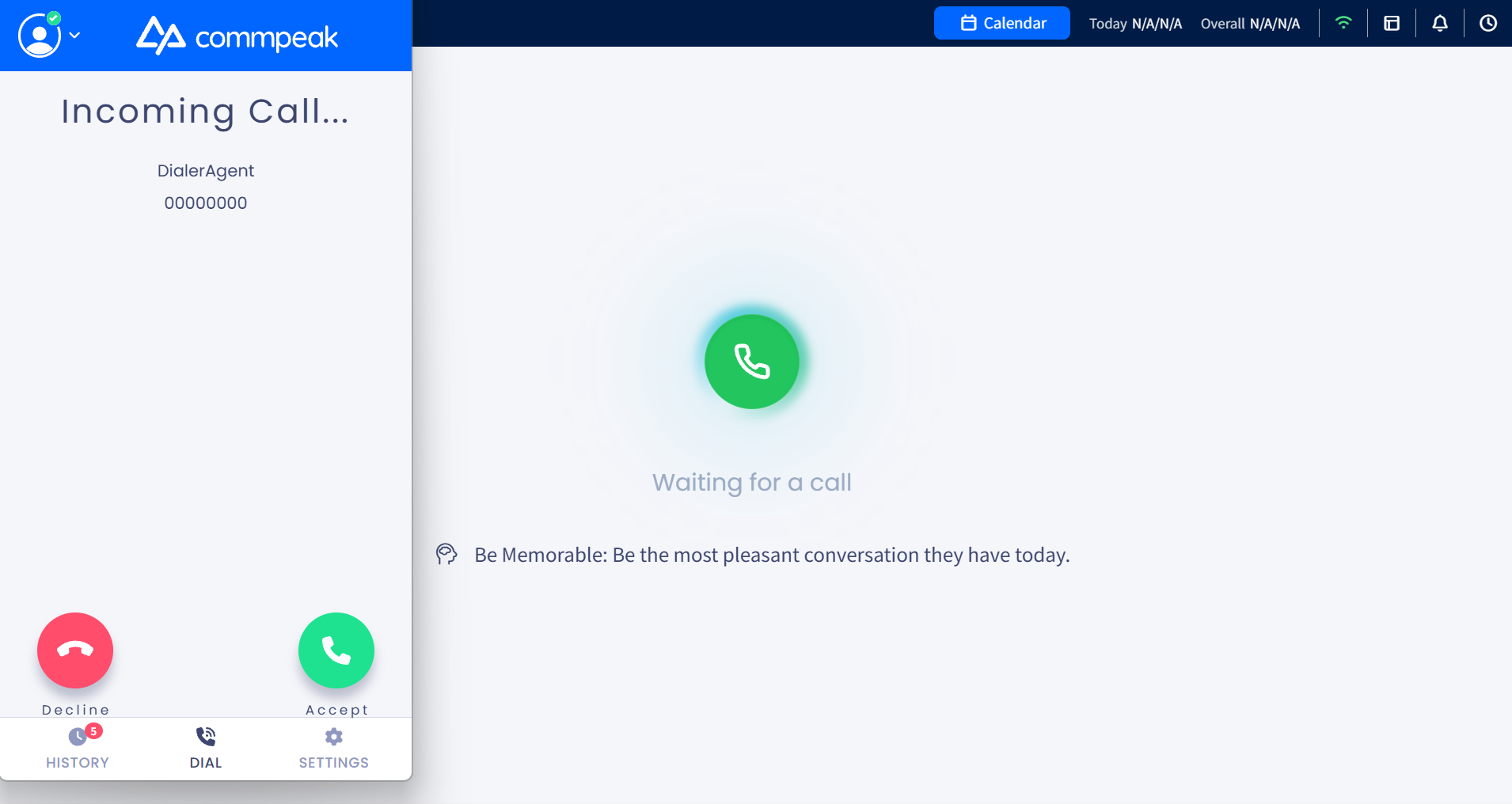
Receiving incoming call in Predictive mode
Updated 5 days ago