

Agents' Actions Are Not Syncing to CRM
Discover how to resolve issues when agents' actions are not syncing to the CRM.
Issue
Agents’ actions are not syncing to the CRM used.
Background
When CommPeak Dialer is integrated with a client’s CRM, all relevant data is synchronized.
However, it may happen that agents’ actions are not syncing to the CRM.
Solution
You can do the following to resolve this issue:
Open CRM Integration Management
Go to your Dialer workspace, click Settings > CRM Integration Management, and switch to the CRM Update Logs tab.
On this page, you can check whether there were any remote requests and how many still need to be completed.
Filter the pending requests
To see the list of these requests, select No in the Completed and Postponed filters.
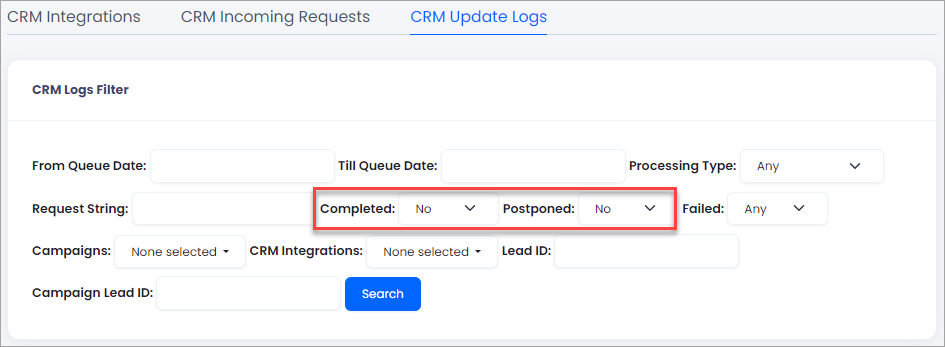
Completed and Postponed filter fields
Run the search
Click Search.
If there are many uncompleted requests, submit a ticket to CommPeak support and ask them to check the user sync. Our team will do its best to help you.
Updated 4 days ago