

Recurring Payments
Manage your automatic credit refills (autocharge): view your payment agreements, adjust the refill amount and threshold, or cancel automatic payments.
Use the Recurring Payments page to review automatic balance refills, change the refill threshold, or stop recurring payments.
To open the Autocharge (Recurring payments) page:
- Expand Billing in the main menu.
- Select Recurring Payments.
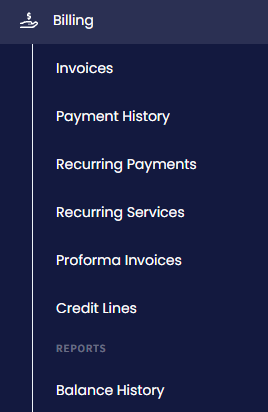
Billing menu tabs
Recurring payments are created when you set up the automatic credit refill option for the Credit Card payment type. Each refill is a payment agreement (consent) that allows CommPeak to top up your balance whenever it falls below your threshold, so your calls and numbers keep working.
The Payments table includes the columns described below.
| Column | Description |
|---|---|
| Billing | The account the refill applies to |
| Start date | The date the payment agreement starts |
| End date | The date the payment agreement expires |
| Status | The agreement status: Active or Suspended |
| Amount | The sum credited to your balance with each refill |
| Threshold | The balance level that triggers the refill |
| Payment limit | The maximum number of automatic payments per day |
To modify the recurring payment settings:
-
Click the edit button next to the required recurring payment to edit the threshold at which you wish to refill your balance.
-
Alternatively, click the change top-up amount button to open the Add Credit side menu where you can adjust the amount to top up your balance.
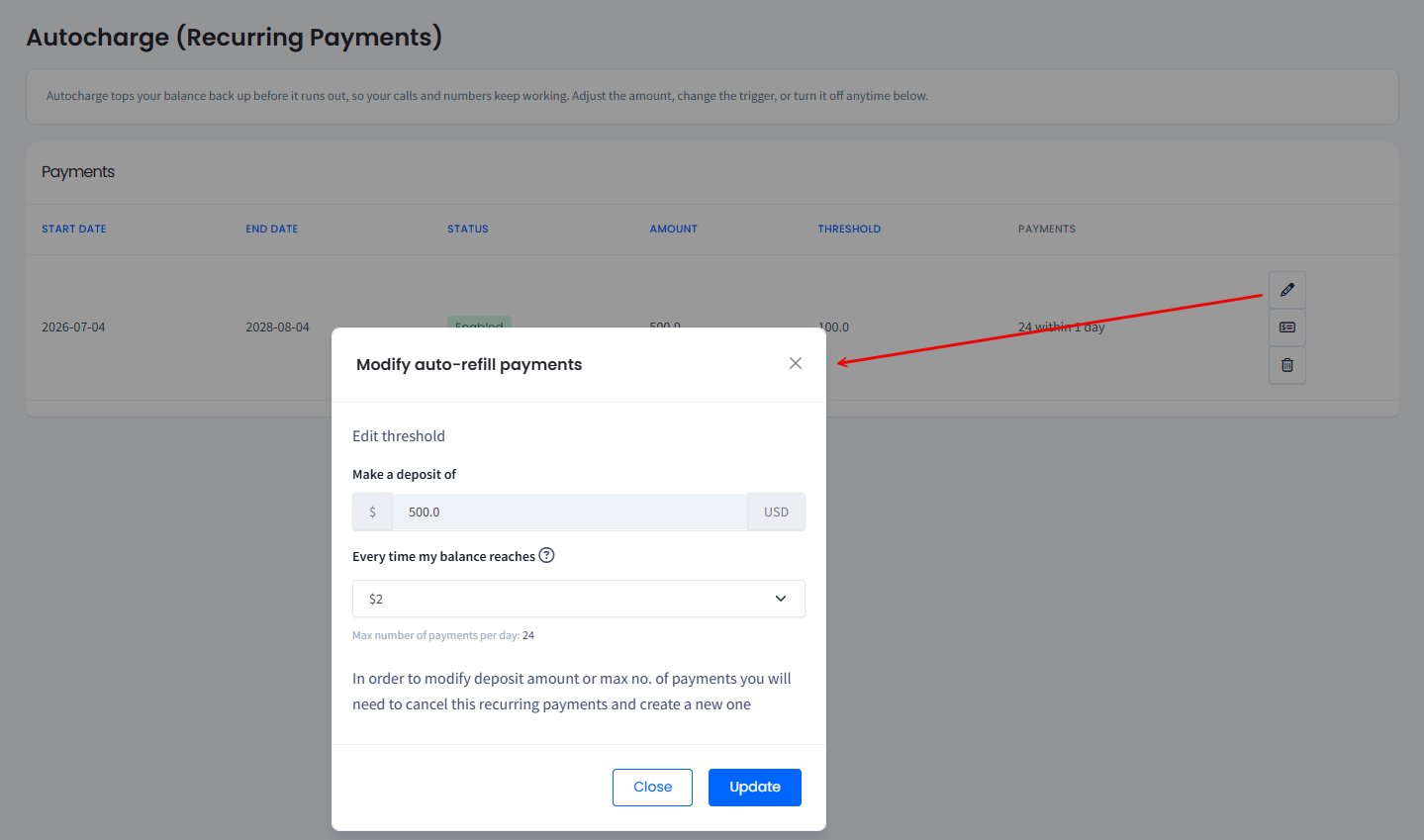
Editing auto-refill payments threshold
-
Click Update.
To stop a recurring payment:
Click the delete button for the corresponding payment record and confirm the operation. This cancels the payment agreement, and CommPeak no longer charges your card automatically.
To set up a new automatic refill, see Adding Credit to Your Account.
Updated 13 days ago