

Softphone Chrome Application
Learn how to launch the CommPeak Web-based Softphone directly from Chrome for quick access.
CommPeak offers the Softphone Chrome Application, a quick and lightweight launch option for accessing the Web-based Softphone via Chrome bookmarks.
This feature is designed for maximum convenience, allowing you to launch your Softphone app quickly and directly from your Google Chrome browser.
Key benefits
- Rapid Launch: Access your Softphone app instantly without navigating through the full web interface.
- Lightweight Application: Requires only a minimal, essential installation to operate as a fast-launching application within your Chrome environment.
- Always Available: The softphone is accessible through your updated bookmarks or directly from the browser's address bar after the initial setup.
Setup and access
To utilize this quick launch option:
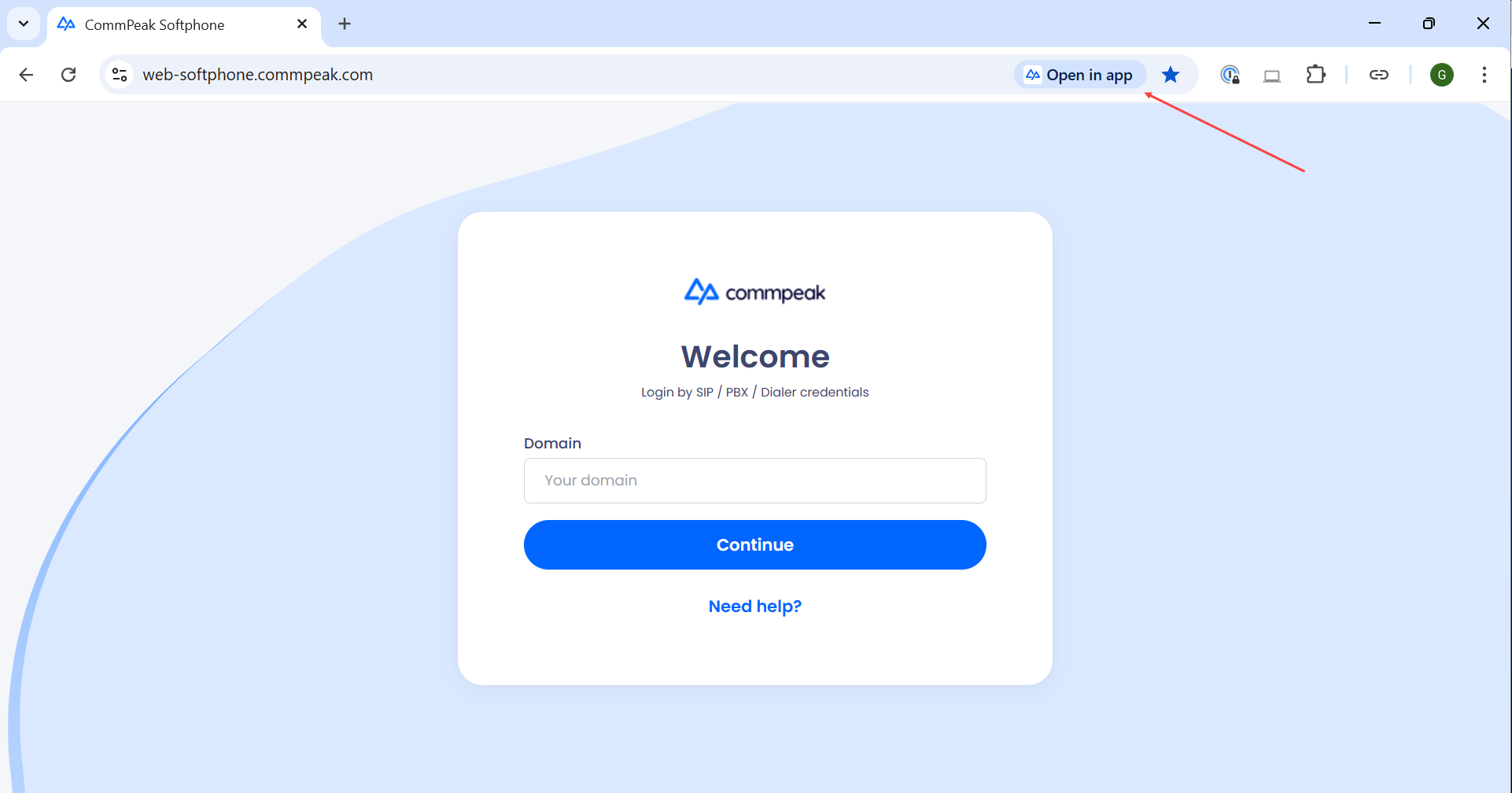
- Locate the Bookmark: In the address bar of your Google Chrome browser, enter https://web-softphone.commpeak.com/, and locate the new install option for the CommPeak Softphone application.
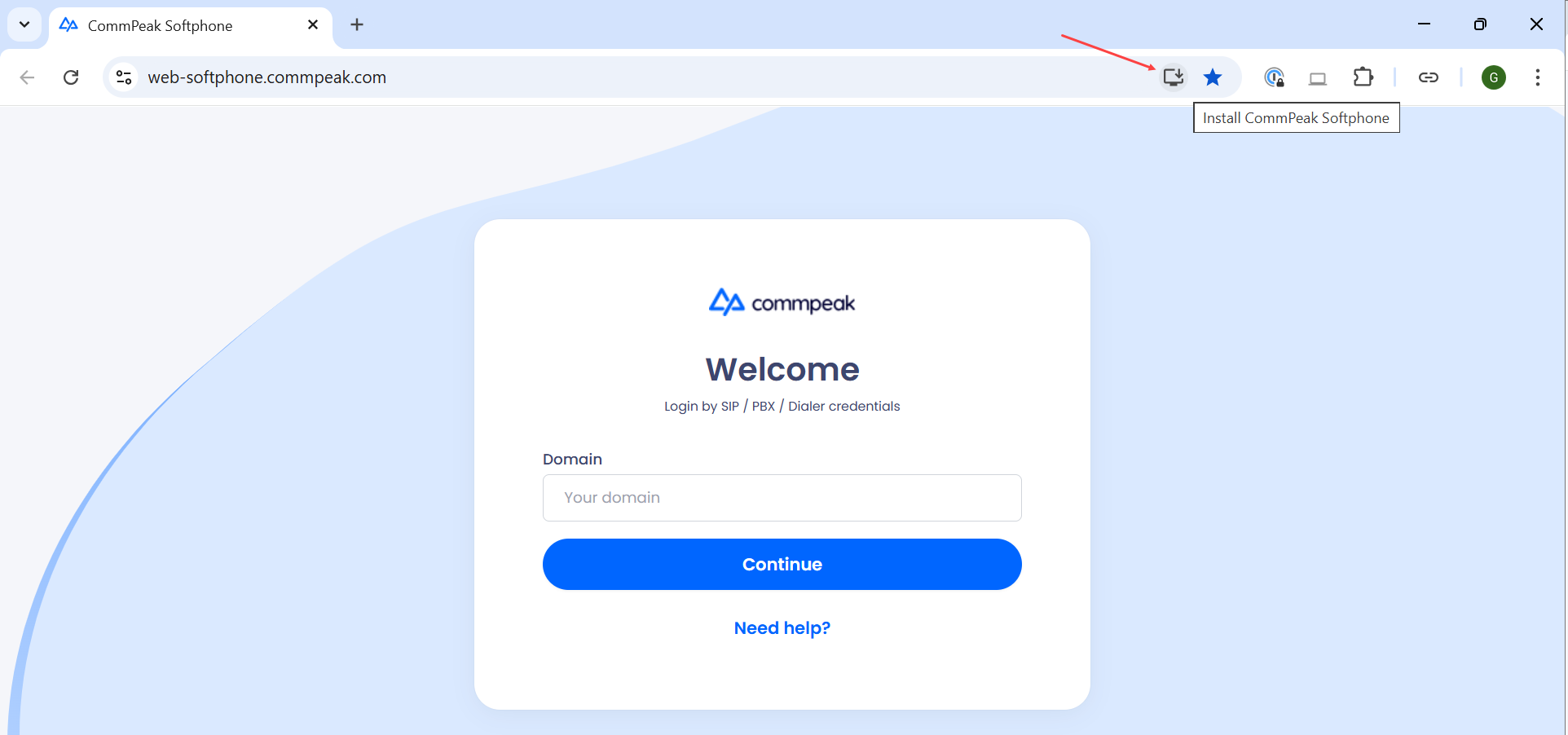
Softphone Chrome Application installation option
- Initial Installation: Click the Install CommPeak Softphone launch option in your bookmarks. You will be prompted to perform a quick installation.
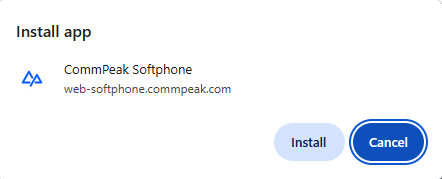
Install app pop-up window
- Enter the domain and click Continue to proceed with converting your Softphone into a lightweight, instantly accessible app within your browser.
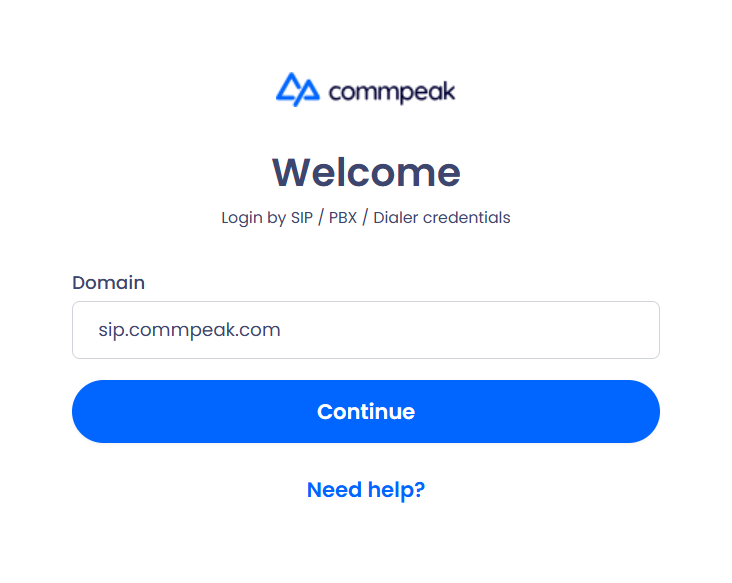
Softphone Chrome Application installation window
- Confirm Access: ✔️ Congratulations! Once this minor installation is complete, the Web-based Softphone app is ready.
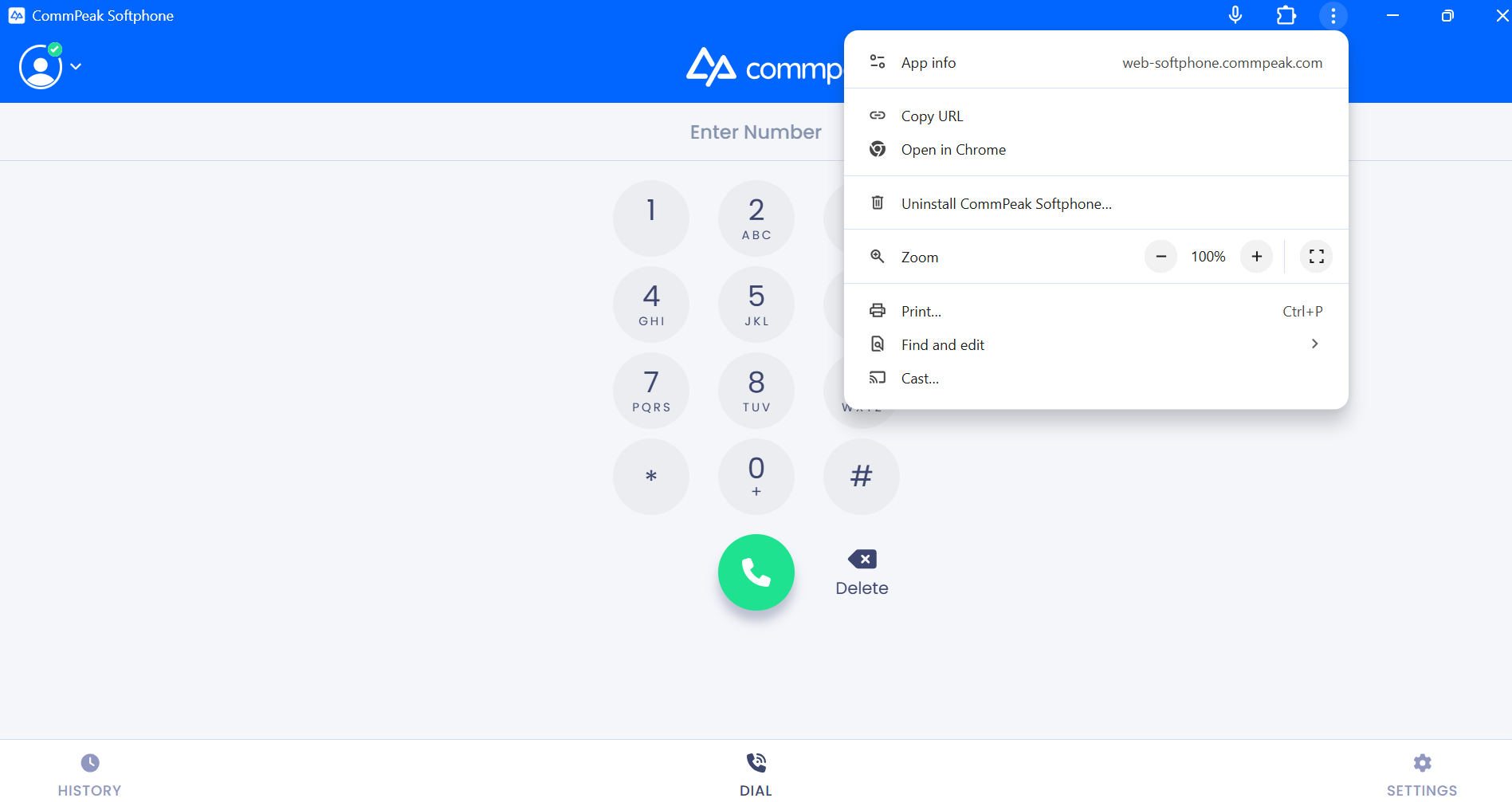
Softphone Chrome Application is ready for work
- For all your future sessions, you can launch it quickly either by clicking the updated CommPeak bookmark or by typing the address in the browser's address bar.
Launching the Web-based Softphone app from your browser
Now, with the Softphone Chrome Application feature your communication tools are always just one click away.
Updated 6 days ago