

Clock Out Reasons
Create clock-out reasons for agents to select when they go on a break.
Clocking out in predictive dialing mode
When you take a break or finish your work in the Predictive Dialing mode, you need to clock out from the system by selecting one of the available clock out reasons.
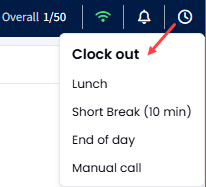
Clock Out button in the predictive dialing mode
NOTEAdministrators can add new reasons and remove existing reasons whenever necessary.
Creating clock out reasons
To create a clock-out reason:
-
Go to Users > User Management and expand the Dialer Clock-Out Reasons tab.
-
Click Create New Reason.
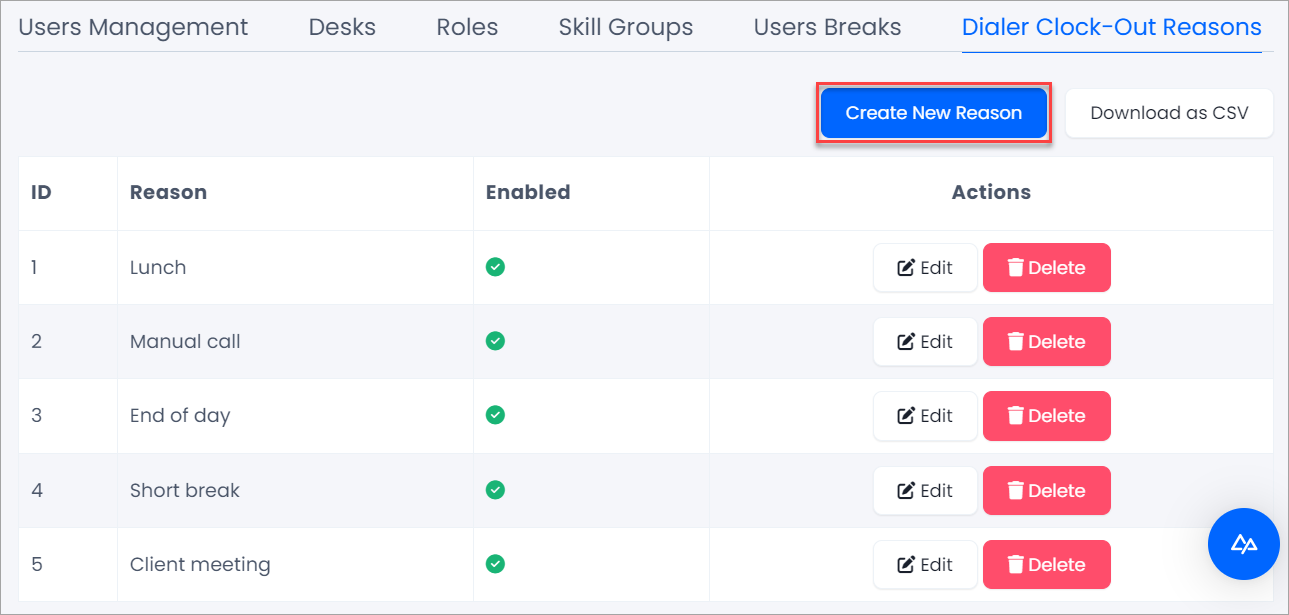
Adding a clock-out reason
-
Enter the reason and click Enabled? to enable it right away.
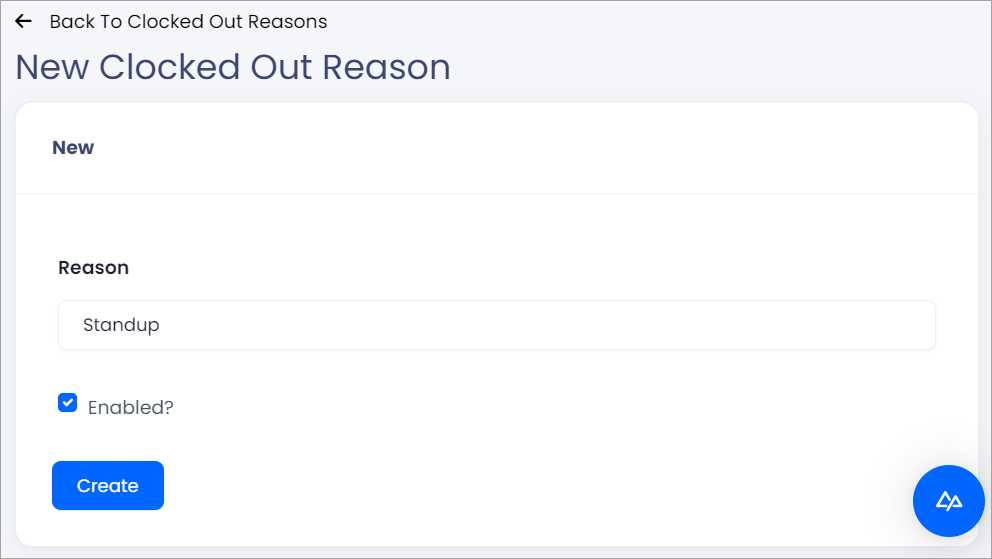
Activating a clock-out reason
-
Click Create.
You can view statistics about agents' breaks in the Agents Clocked-In Stats report.
Updated 17 days ago
Did this page help you?