

Payment History
View and download your CommPeak account's payment history as a CSV file: filter by category, apply date range, select specific categories, and save to specified location.
In My CommPeak Dashboard, expand Billing and select Payment History to view your account's payment history.
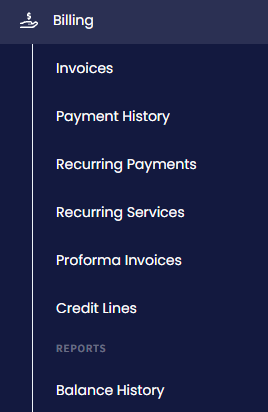
Payment History in the main menu
Switch between the tabs to filter your payments by category: All Types, Top Ups, Deductions, Subscriptions, and Temporary Credits.
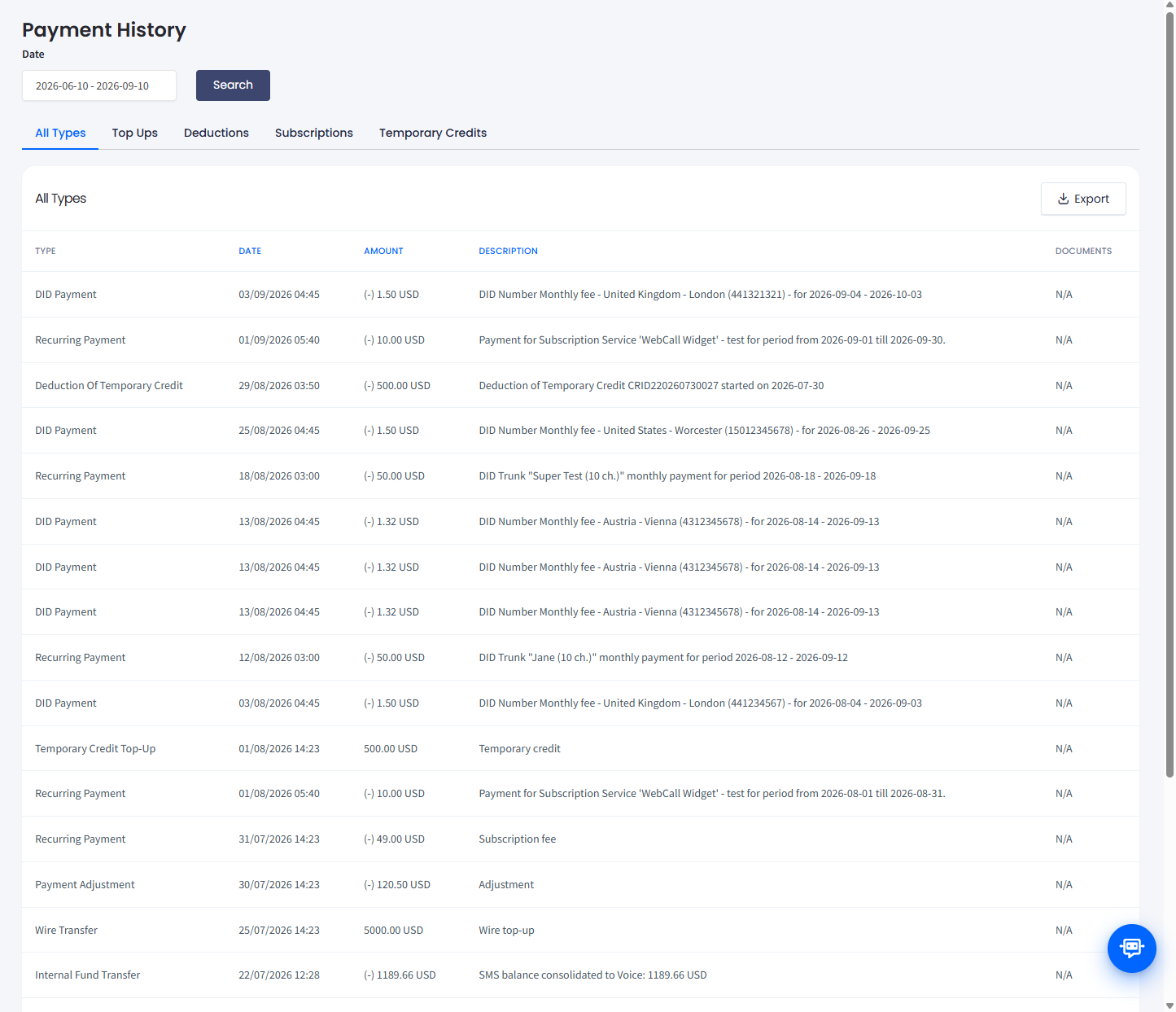
Subscriptions tab
To filter payments records by date, apply a preset or select a date range in the interactive calendar.
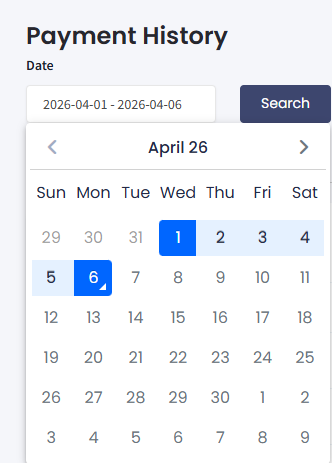
Filtering by date
To download the payment history as a_.csv_ file:
-
Apply date filters.
-
Select a payment category: either all types or a specific one.
-
Click the Export button on the right.
-
Specify the download destination.
-
Click Save.
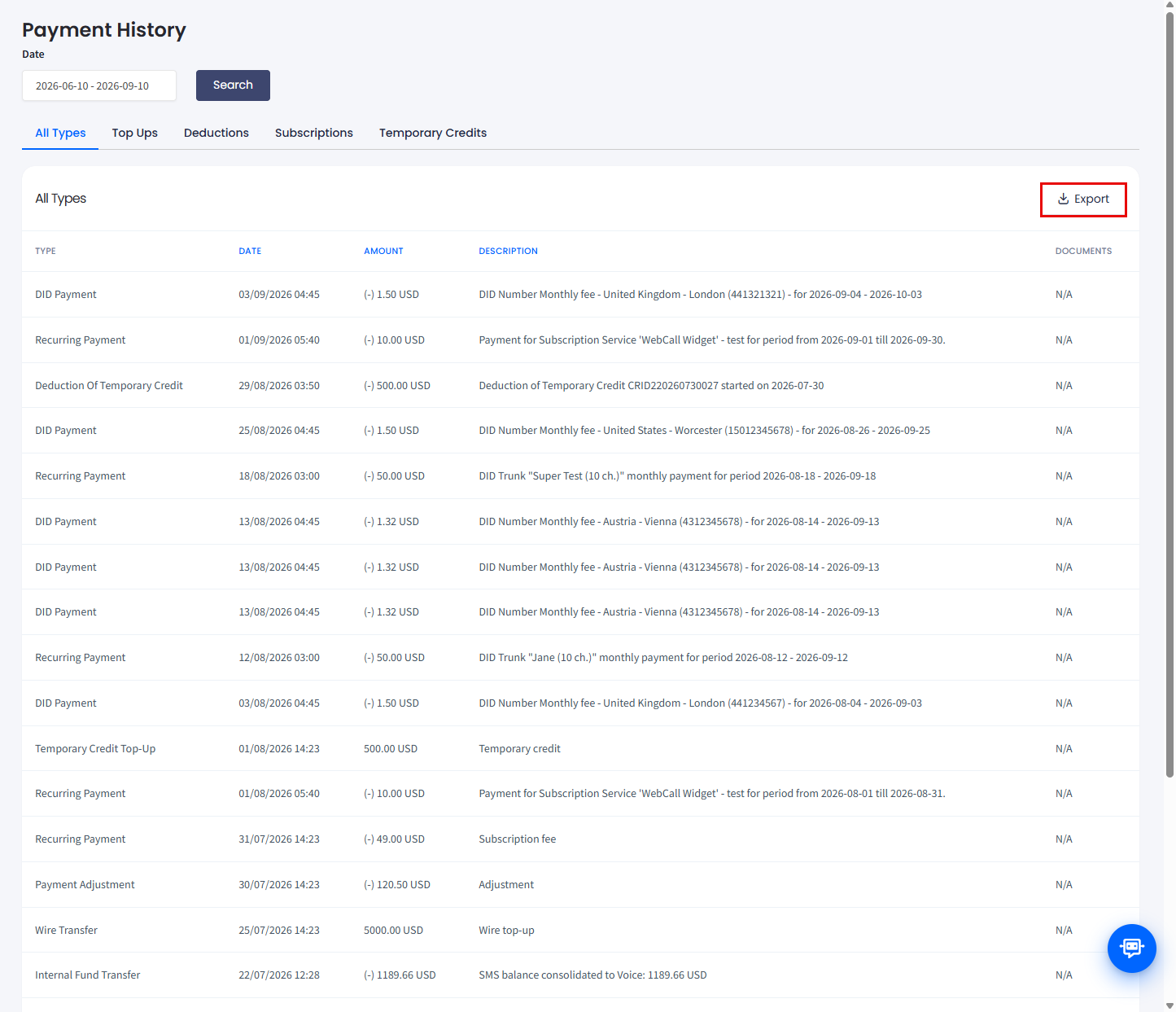
Downloading payment history
Updated 5 days ago