

OTP Verification API in the CommPeak Portal
Send and verify one-time passwords over SMS, WhatsApp, and Voice with automatic failover, using two API calls and a token from an OTP configuration.
The OTP Verification API page in the CommPeak Portal introduces the CommPeak OTP service: API that sends one-time passwords (OTP) over SMS, WhatsApp, and Voice and verifies the code your user enters. If a channel fails, delivery moves to the next channel in the chain automatically.
OTP configurations are created in TextPeak messaging platform. Each configuration has its own API token, and the Portal OTP Service page shows you how to put that token to work.
Opening the OTP Verification API page
- Expand Messaging in the main menu and select OTP Service.
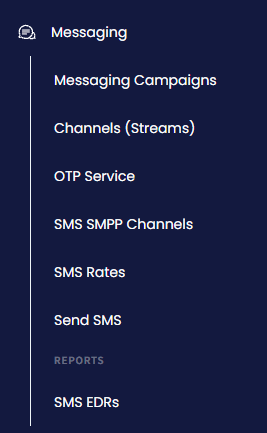
Messaging Campaigns menu tab
- The OTP Verification API page opens.
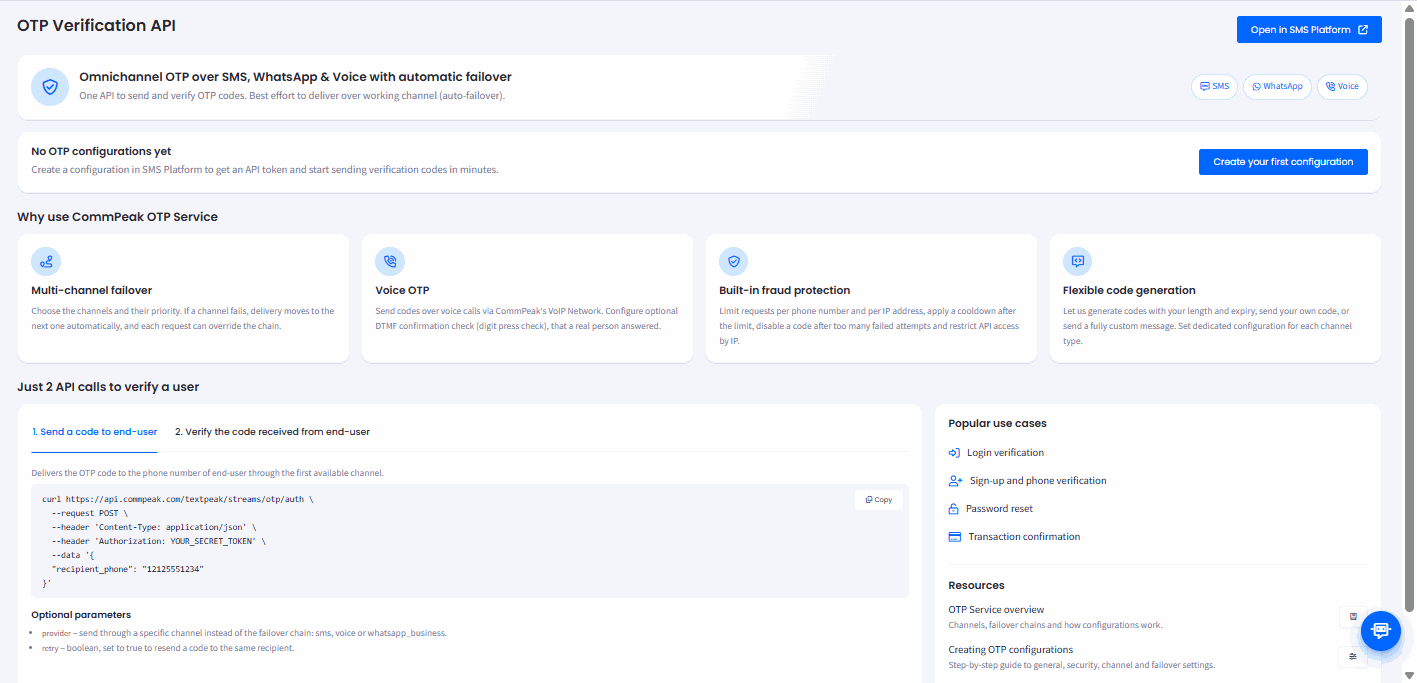
OTP Verification API page
Getting an API token
To send codes, you need an OTP configuration and its API token.
-
On the OTP Verification API page, click Create your first configuration. TextPeak opens in a new browser tab on the OTP Service > Configurations page, already signed in with your CommPeak Portal account.
-
Create the configuration and copy its token. For the general, security, channel, and failover settings, see Creating OTP Configurations.
-
Alternatively, click Open in SMS Platform at the top of the page to open your configurations in TextPeak.
What the OTP Service does
- Manage send failures between channels: you choose the channels and their priority. If a channel fails, delivery moves to the next one automatically, and each request can override the chain.
- Sends codes by voice call: Voice OTP delivers the code over the CommPeak VoIP network. You can turn on a DTMF confirmation check, which asks the recipient to press a digit to confirm that a real person answered.
- Protects against fraud: limit requests per phone number and per IP address, apply a cooldown after the limit, disable a code after too many failed attempts, and restrict API access by IP.
- Generates codes your way: let the service generate codes with your length and expiry, send your own code, or send a fully custom message. You can set a dedicated configuration for each channel type.
Typical uses are login verification, sign-up and phone verification, password resets, and transaction confirmation.
Verifying a user in two API calls
Verifying a user takes two requests to the same configuration, both authorized with its API token.
Sending a code
The first request delivers the code to the user's phone number through the first available channel in the failover chain.
curl https://api.commpeak.com/textpeak/streams/otp/auth \
  --request POST \
  --header 'Content-Type: application/json' \
  --header 'Authorization: YOUR_SECRET_TOKEN' \
  --data '{
  "recipient_phone": "12125550123"
}'
You can add these optional parameters to the request body:
provider: sends through one channel instead of the failover chain. Acceptssms,voice, orwhatsapp_business.retry: set totrueto resend a code to the same recipient.
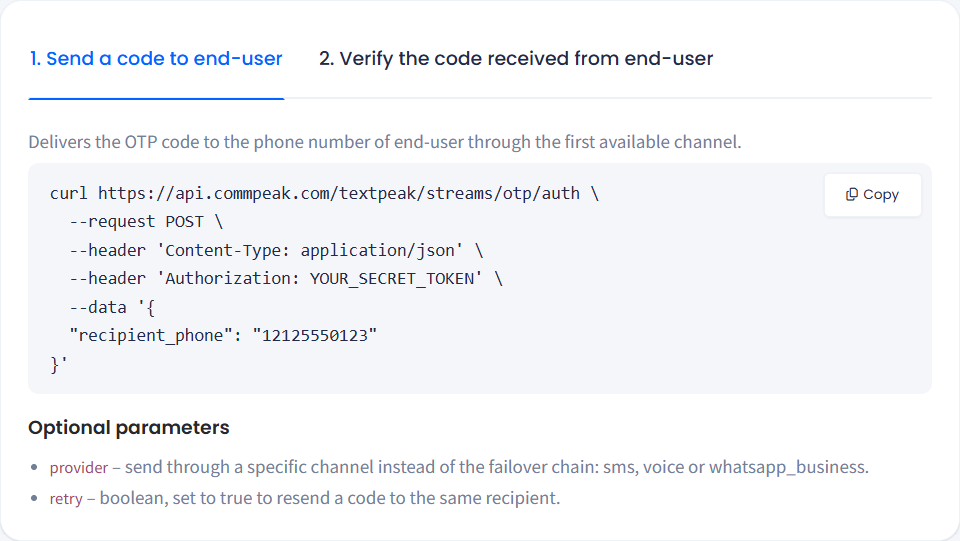
Send a code to end-user tab
For the full request and response schema, see OTP Auth Request.
Verifying the code
The second request checks the code the user entered. The service handles code expiry and the count of verification attempts for you.
curl https://api.commpeak.com/textpeak/streams/otp/verify \
  --request POST \
  --header 'Content-Type: application/json' \
  --header 'Authorization: YOUR_SECRET_TOKEN' \
  --data '{
  "recipient_phone": "12125550123",
  "code": "12345"
}'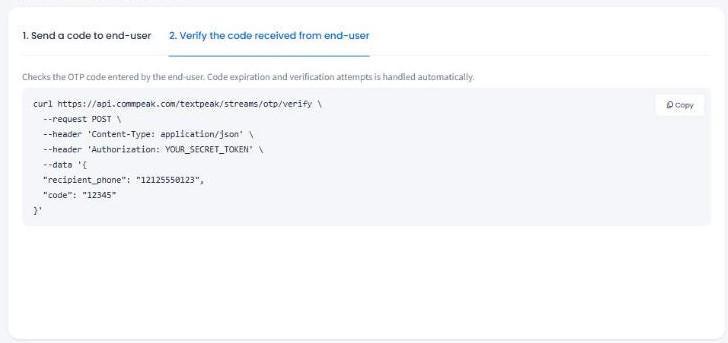
Verify the code received from end-user tab
For the full request and response schema, see OTP Verify Request.
Next steps
- OTP Service: how configurations, channels, and failover chains work.
- Creating OTP Configurations: step-by-step settings for a new configuration.
- OTP Analytics: requested, delivered, and verified codes by channel and country.
- OTP Request Log: every send attempt, newest first.
Updated 8 days ago