

Getting Started
How to get started and make the most of the CommPeak TextPeak Platform
The TextPeak platform allows you to add multiple Sender IDs, set the sending schedule, view click rate and opted-out contacts statistics, and provides other features.
It comes with the Inbox feature which is a powerful instrument for controlling and streamlining messaging across multiple channels, such as SMS, WhatsApp, and Telegram.
TextPeak operates directly from your browser and to access it, use your TextPeak credentials and a login link you'll receive.
IMPORTANT
- You'll get your TextPeak credentials (a username/email and password) during your account setup process.
- Before starting with TextPeak, please ensure you have created and verified a CommPeak account.
Complete the following steps to start sending bulk SMS messages with the CommPeak TextPeak Platform:
Request access
Submit a request to our support. A sales team representative will contact you to discuss your business needs and help you choose the best solution.
Get your credentials
Once your environment is set up, you will get your credentials and a login link.
Log in to TextPeak
Log in to the TextPeak platform using your credentials:
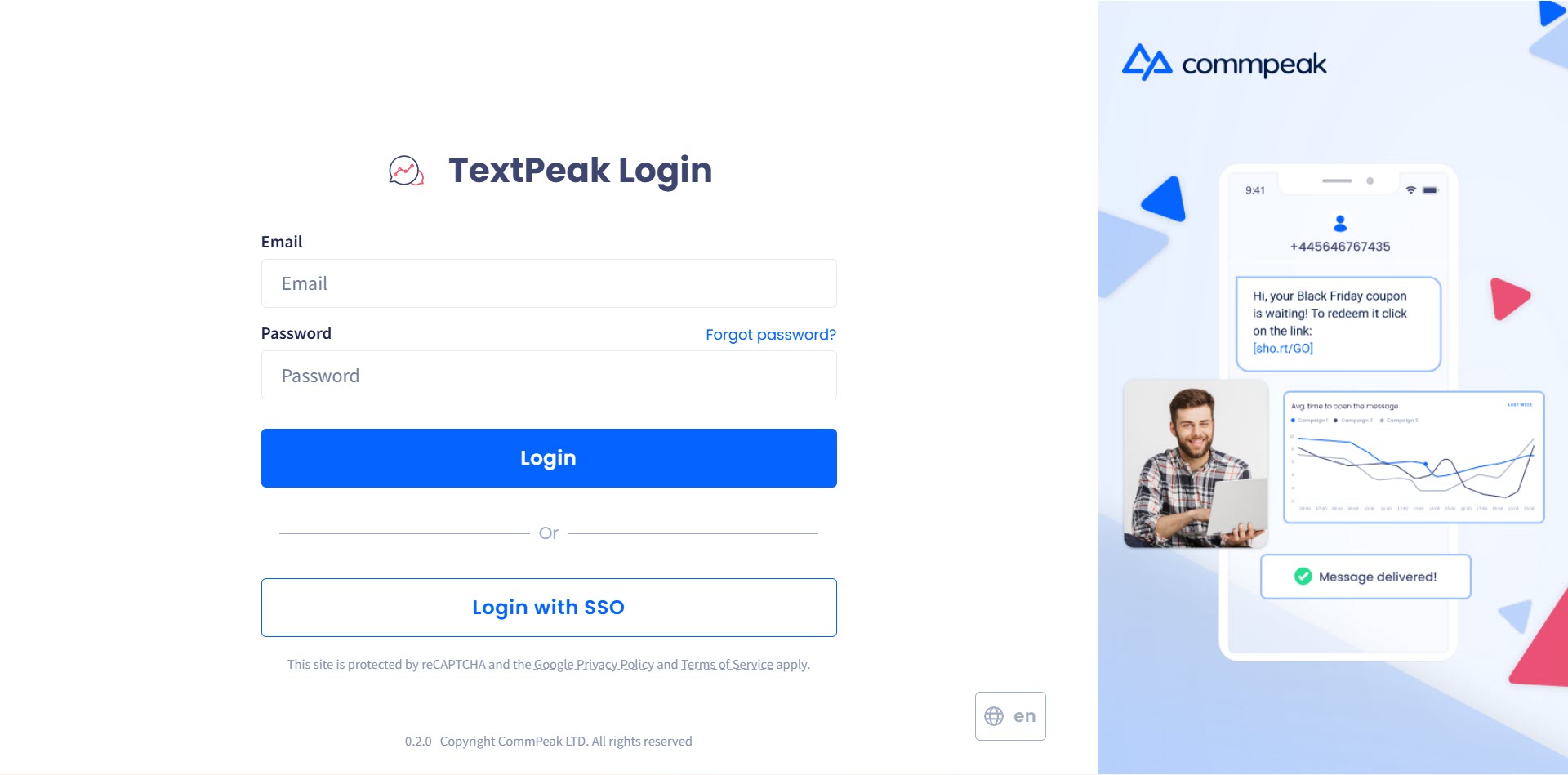
TextPeak login options
You can also learn about Secure TextPeak Login Options and Two-Factor Authentication (2FA) available to TextPeak users.
Account owners
The account owners can log in to TextPeak from their CommPeak Portal accounts.
You can access TextPeak, a messaging platform that offers a wide range of customization options directly from the Portal.
To open TextPeak:
-
Expand Messaging in the main menu.
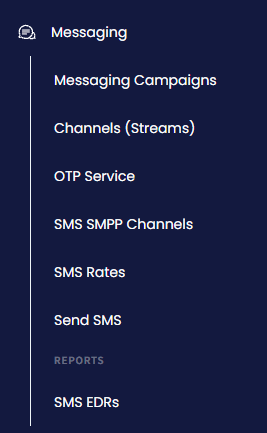
Messaging Campaigns menu tab
-
Select Messaging Campaigns and, in the top right, click Open in SMS Platform.

Open in SMS Platform button
- Alternatively, select Channels (Streams). On the page that opens, click Manage all channels in SMS Platform.

Manage all channels in SMS Platform button
IMPORTANTIf you wish to log in to TextPeak from your CommPeak account, you must activate the messaging service described in the SMS Service - Getting Started article.
After your first login, you will see a welcome screen. Your account balance is displayed in the top right corner.
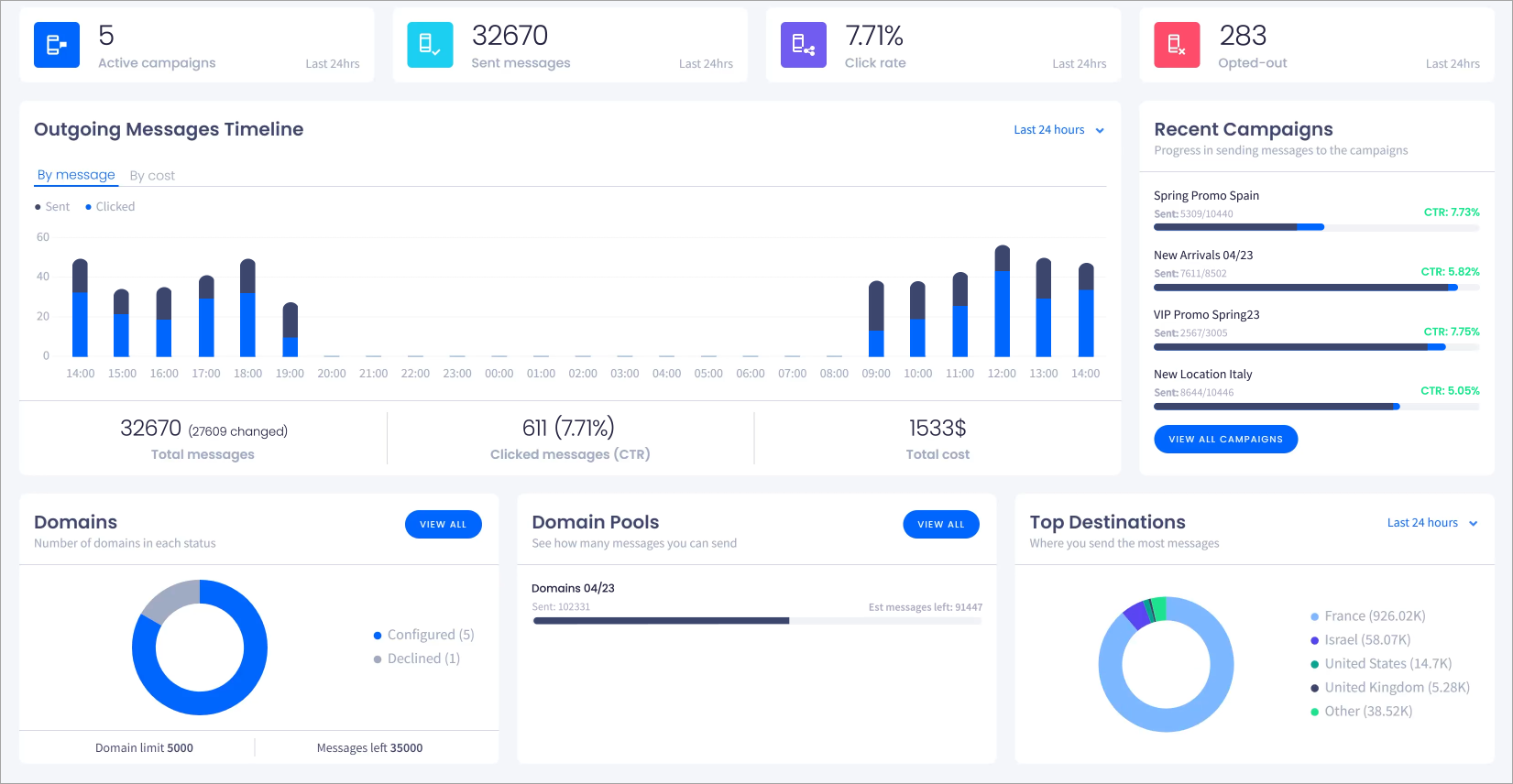
TextPeak Dashboard
You can go ahead and create your first campaign. To start an SMS Campaign, complete the following steps:
- Create custom fields (optional)
- Add a contact list
- Create a message template
- Configure a domain (optional)
- Create a campaign.
TextPeak team members
TextPeak team members receive email invitations to join the platform.
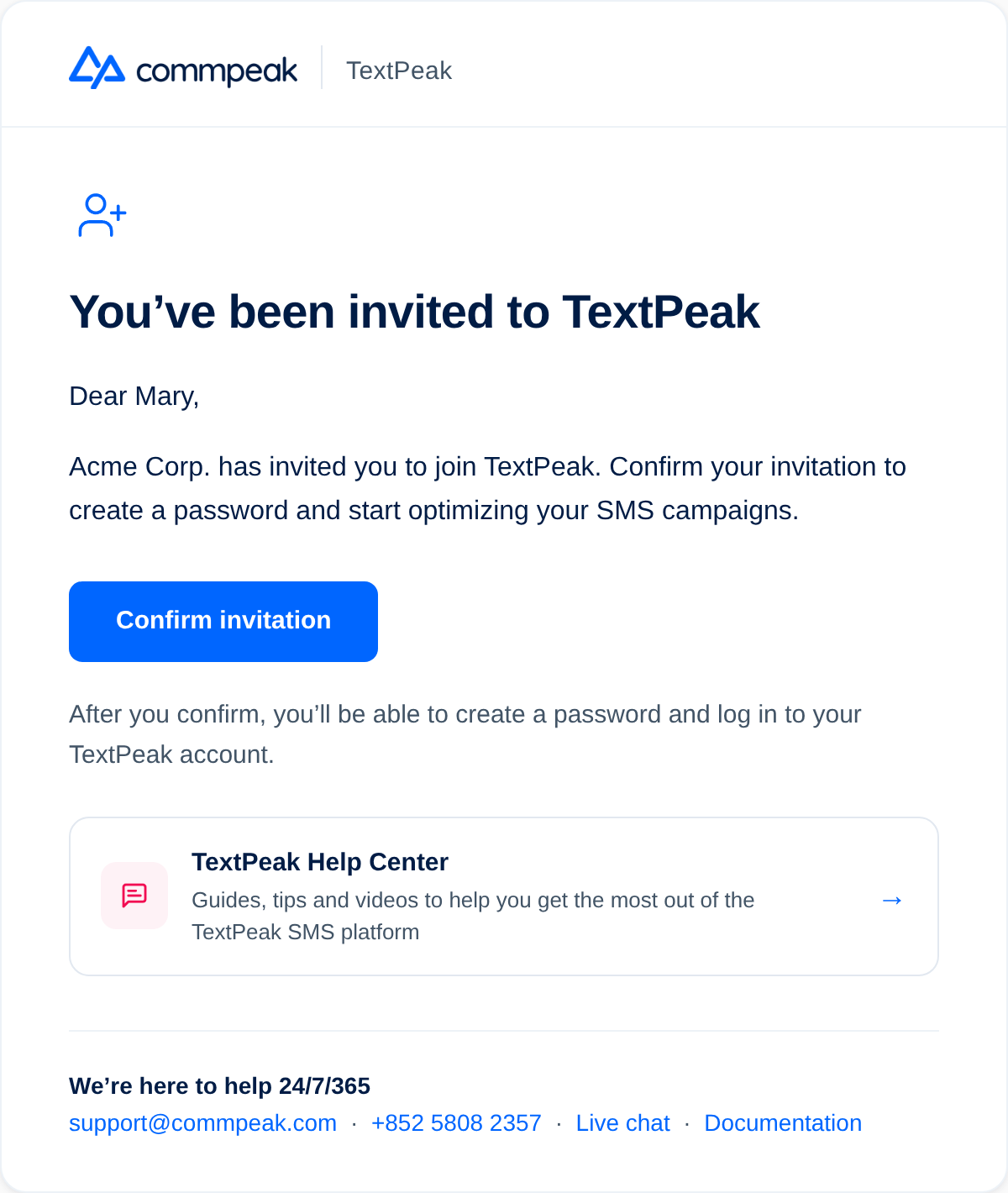
Confirmation email
Click CONFIRM and complete your registration.
After you click Register, a popup screen welcomes you to the CommPeak messaging platform. You can perform your tasks according to your role.
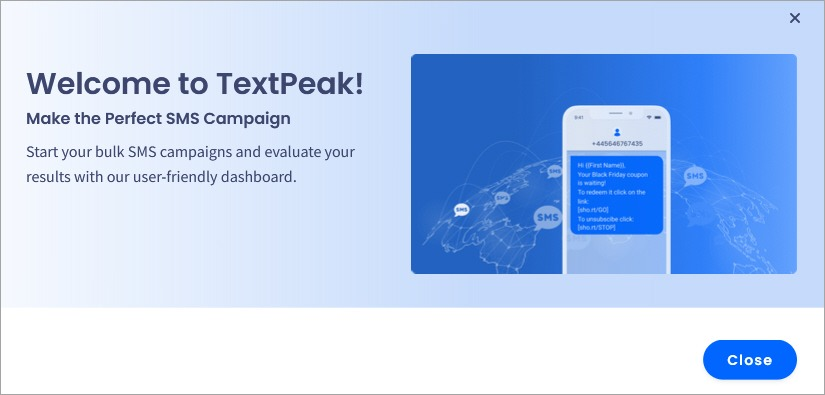
TextPeak Welcome screen
What to do next
Refer to the following pages for details on how to use CommPeak TextPeak:
Discover secure login options for TextPeak, including two-factor authentication (2FA) and bypass scenarios.
Track account performance with TextPeak Dashboard. View key stats, campaign activity, and domain management for SMS optimization.
Get instant visibility into your SMS stream API and campaign performance with our real-time tracking features.
Learn how the Channels page in TextPeak groups every messaging route by type, and how to create, configure, and manage a channel from one place.
Learn how to open a type, read the channel list, and manage a single channel.
Get SMS platform support with our Help Center, live chat, video guides, and ticketing system.
Updated 7 days ago