

Logging In
Log in to CommPeak Portal with your email address and password or a connected Google or Microsoft account, then complete verification with a six-digit code.
There are two ways into the CommPeak Portal: your email address and password, or a Google or Microsoft account you have connected. Both lead to the same account and the same data.
NOTESigning in with your email address and password requires two-factor authentication (2FA) in addition to your credentials, for the main user and for any additional user you create. This protects your CommPeak account even on a shared computer. You verify with a code sent by email or a code from an authenticator app, whichever you have enabled in Your Profile.
Logging in with email and password
To log in to CommPeak Portal:
- Open https://my.commpeak.com/users/sign_in. On the Log in to continue screen, enter your email address and click Continue.
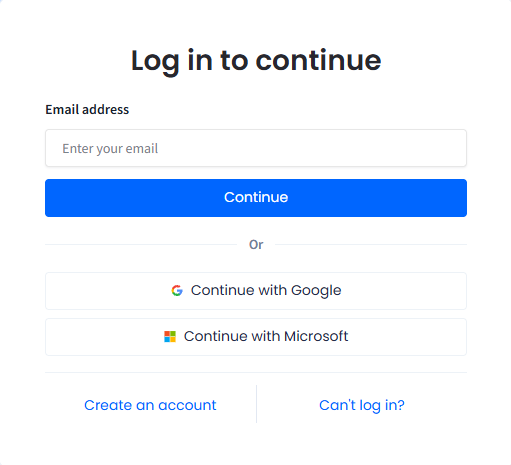
Log in to continue screen
- On the Welcome to CommPeak screen, enter your password and complete the Cloudflare human verification. To correct the email address, click Change. Then click Continue.
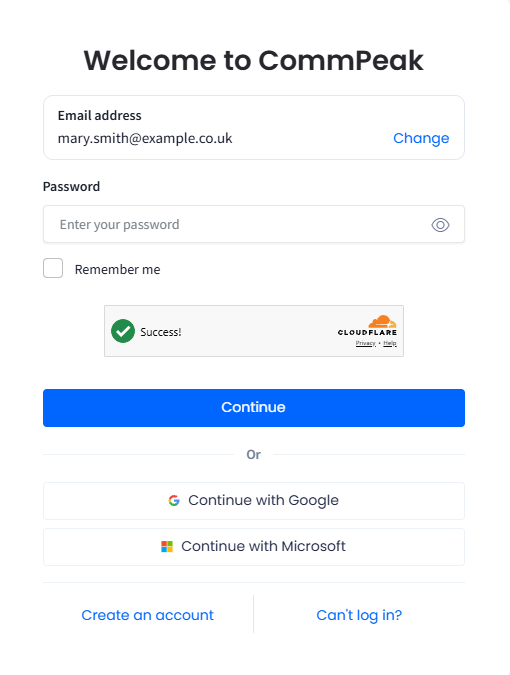
Welcome to CommPeak screen
TIPCheck the Remember me checkbox to bypass re-entering your credentials for an extended period, even after closing the browser.
-
Complete login verification with a six-digit code. See the section below for both methods.
-
After you complete verification, you're logged in to CommPeak Portal and can start working.
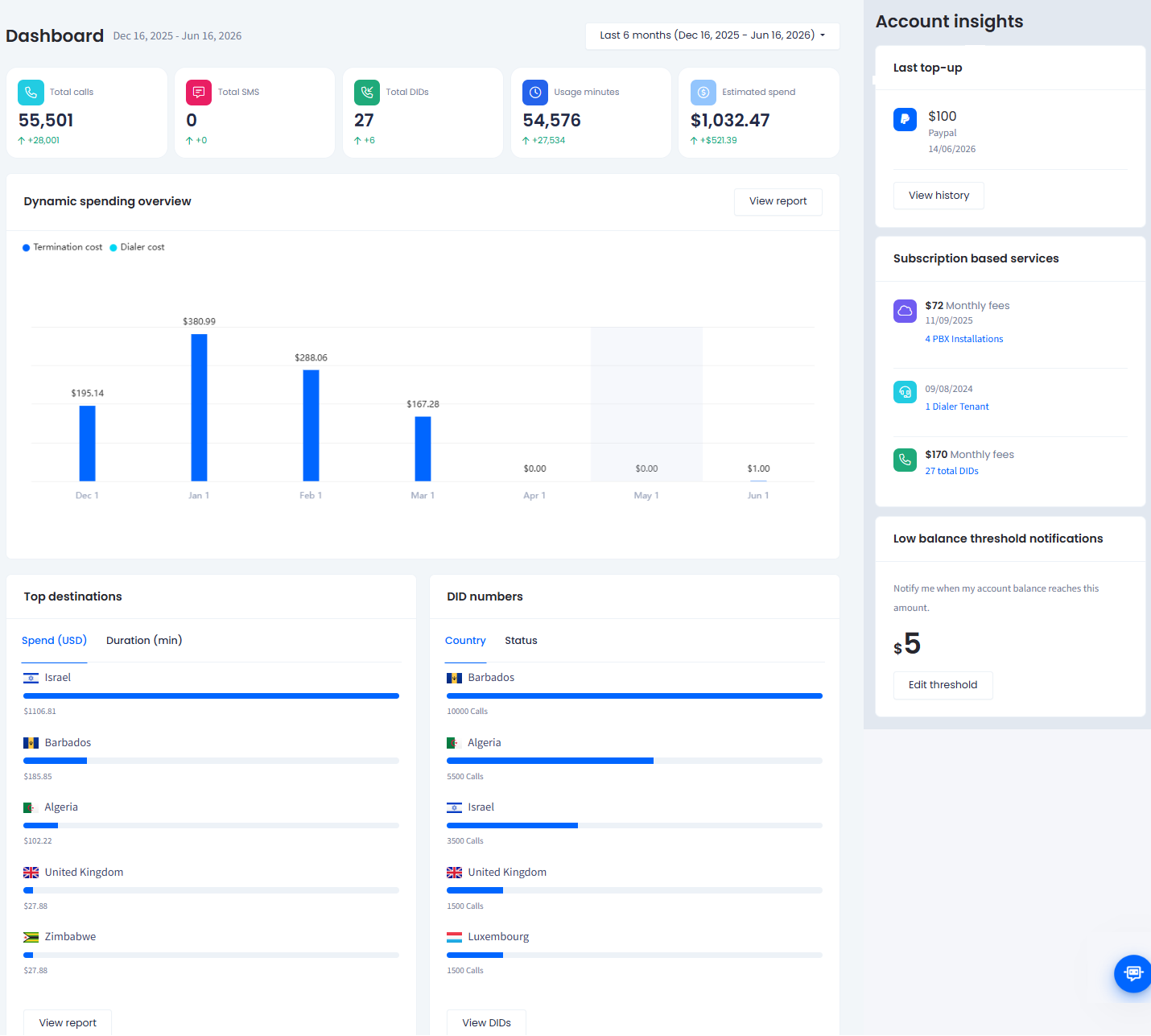
CommPeak Portal dashboard
Completing login verification
After you enter your password, CommPeak Portal shows the Login verification screen and asks for a six-digit code. Which code it asks for depends on the verification methods enabled on your account. To change them, see Your Profile.
- Verifying With an Email Code covers the code CommPeak emails you, resending it, and recovering an account whose mailbox you cannot reach.
- Verifying With an Authenticator App covers the code your phone generates and the backup codes that stand in for it.
With both methods enabled, you can switch between them on the Login verification screen without changing your settings.
Signing in with Google or Microsoft (SSO)
Google and Microsoft sign-in works as single sign-on (SSO), so instead of entering a password, you sign in with your Google or Microsoft account. Connecting a provider does not remove your password: once both are set up, either one signs you in.
See Signing In With Google or Microsoft for the steps, and Your Profile to connect or disconnect a provider.
If you can't log in
If your credentials aren't working, click Can't log in? on the login screen to start account recovery.
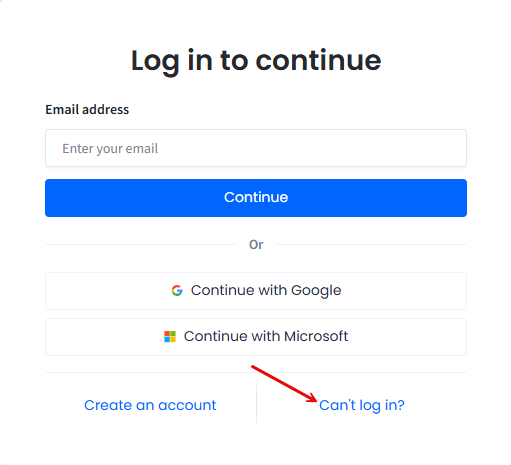
Log in to continue screen
- To set a new password, see Resetting Your Password.
- If the password is not the problem, see Login Difficulties in CommPeak Portal.
- If your password works but a verification code does not, see Two-Factor Authentication (2FA) Problems in CommPeak Portal.
Updated 6 days ago