

Starting with CommPeak Reseller Program
Steps to start earning a commission from CommPeak by referring your customers.
This article outlines the steps to sign up for the CommPeak Reseller program, details the features of the Reseller portal, and provides an overview of the portal's dashboard and profile management functions.
Signing up
To start participating in the Reseller program, you should sign up as a reseller, accept the suggested terms and conditions, and verify your account.
To register at the Reseller portal:
-
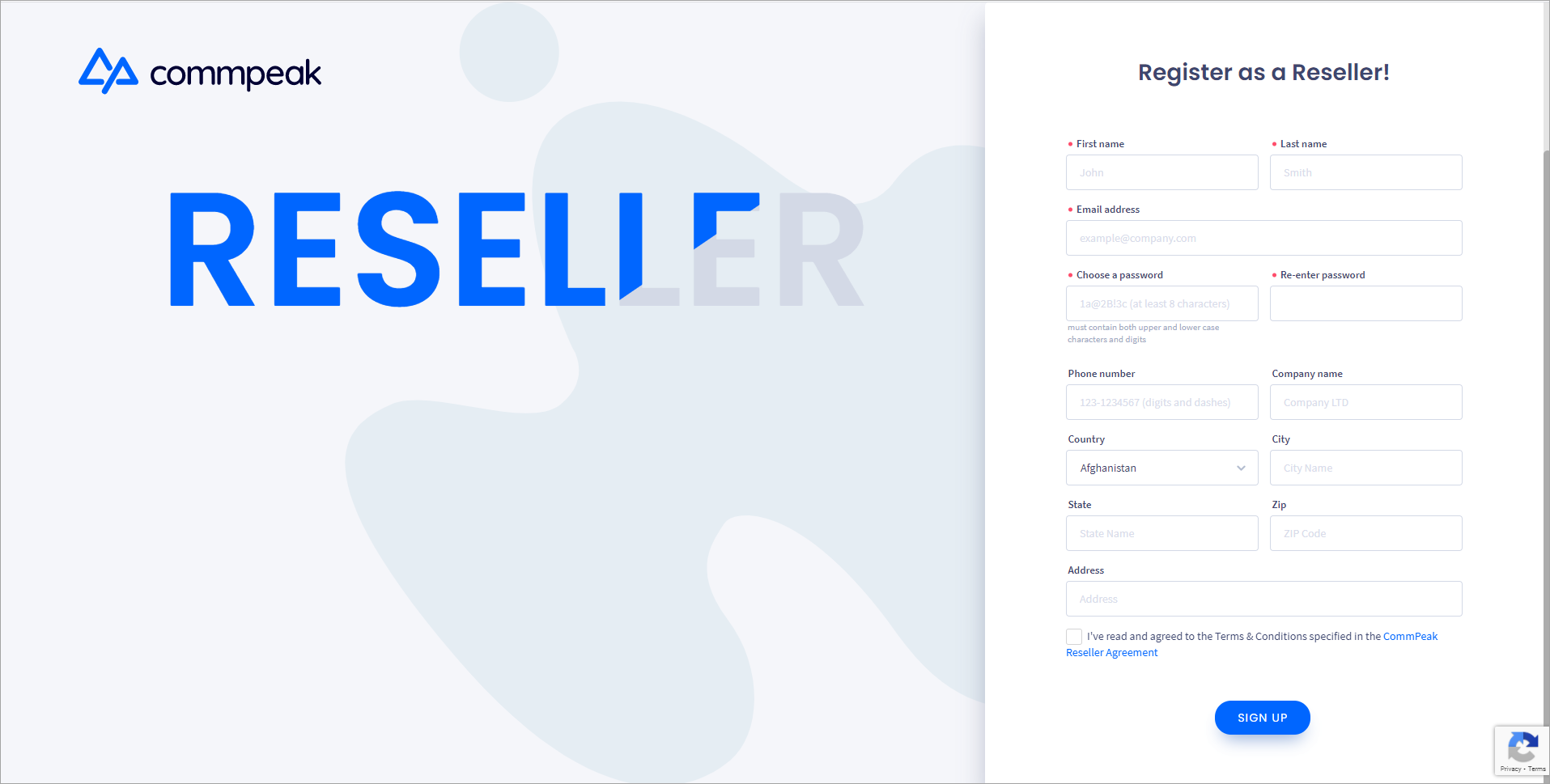
Open the Reseller signup page and fill in the required fields.
-
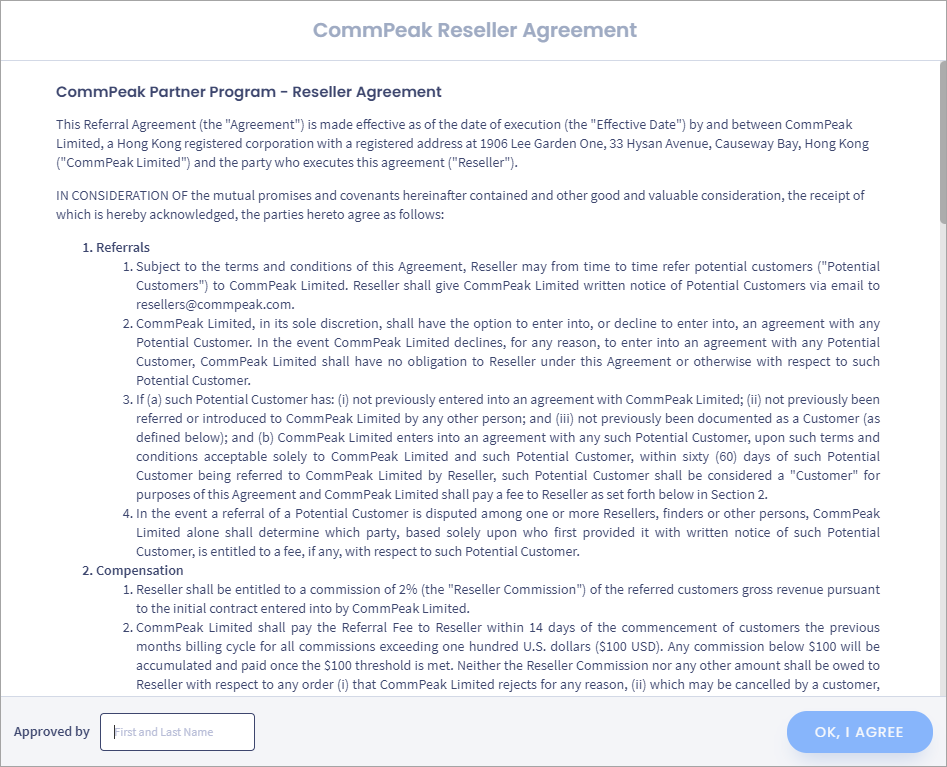
Thoroughly study the CommPeak Reseller Agreement and sign it:
a. Follow the link at the bottom right to open the agreement and read it.
b. Enter your first and last name in the field at the bottom of the agreement.
c. Click OK, I AGREE. This button will become active when you scroll down to the bottom of the document.
- You will receive a confirmation email. Click on the link in the email to activate your new account.
- Our manager will reach out to you for final approval by the phone number or email you have specified. You can also contact our sales team for more information at [email protected].
- Go to the login page of the Reseller portal and access it with your credentials.
Reseller Portal overview
Let’s see in detail what features are available here and which actions you can perform on the reseller portal:
- Manage your customers on the Customers tab
- View your daily balance change history on the Balance tab
- Receive commission payout on the Payout tab.
Reseller Portal dashboard
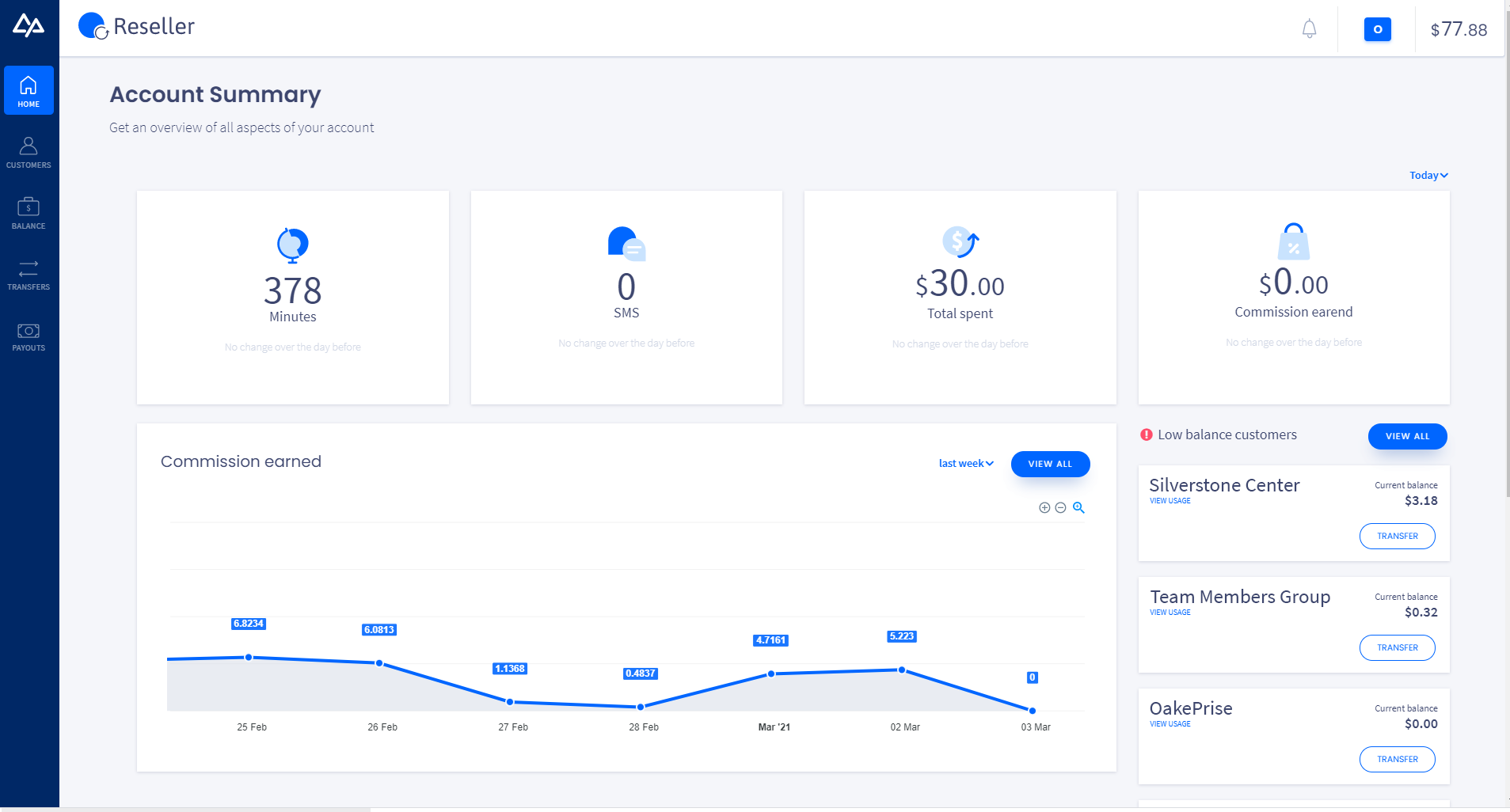
On the Reseller dashboard, you can see the summary for your account:
- the total duration of your customers' calls
- the number of SMS messages they sent
- the total amount of money your customers spent
- the commission you earned from your customers' activity.
Below, you can find a graph of the commission earned daily.
Also, on the right, you can see the list of your customers who have low balance.
Profile
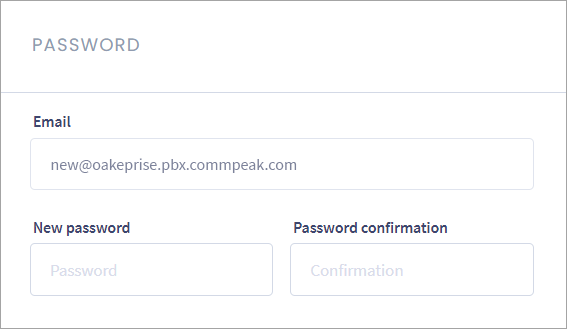
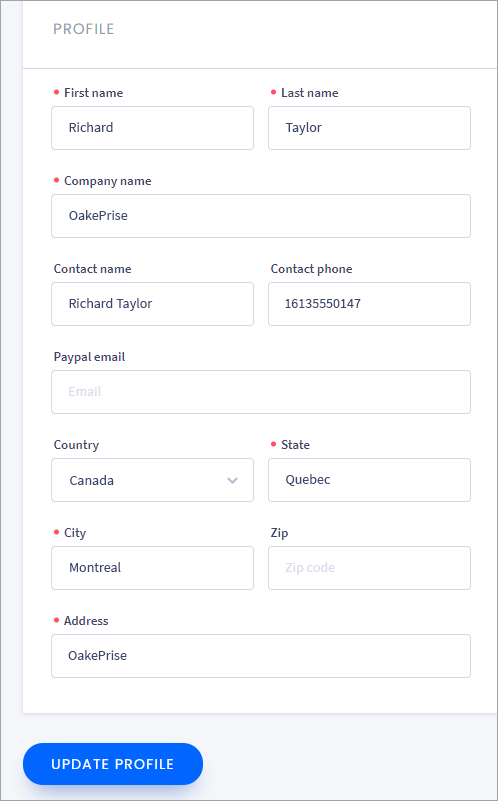
The Profile page lets you change your current password and edit personal information. To get there, click your profile icon in the top right corner of any page and then click the Profile button.

Since data in your profile is essential for requesting payouts, make sure it is up to date.
In the menu under your profile button, you can also see the Terms & Conditions, Privacy Policy, and Reseller Agreement options to check the respective information.
Updated 5 days ago